Decons Hinweis bei Update

Hello

I have Debian 13.1 installed on my Raspberry Pi with Deconz

When I run “sudo apt update && sudo apt full-upgrade”, I get this message:

OK:1 http://phoscon.de/apt/deconz bullseye InRelease

and the following note:

Note: Missing Signed-By in the source.list(5) entry for »http://phoscon.de/apt/deconz«

It’s not something about the Phoscon public key ?
You have tried to re import it ?

It’s your first install ?

Good evening

I updated to Debian 13.1 Trixie.

To get Phoscon running, I installed sudo apt install deconz-qt6.

Do I still need the deconz.sources file?

Or can I delete it?

The file contains deconz.sources.

Does it contain:

Types: deb
URIs: http://phoscon.de/apt/deconz
Suites: bullseye
Components: main
Signed-By:

The URLs don’t work, and it also contains bullseye. If I change it to trixie, I get an error message.

Deconz works perfectly.

Hello, I m not sure to understand.
You have solved your problem or not ?

You miss
sudo apt install deconz-qt6
To have deconz working ?

It’s on the “how to do” too ConBee II Installation

If you have upgraded your OS, better to restart the installation (it’s OS specific), and if it’s not too late, make a backup of the zigbee network using Phoscon.

Deconz works great.

However, when I run sudo apt Update, I get the following error message: “Missing Signed-By in the entry sources.list(5) for »http://phoscon.de/apt/deconz«”.

Can I simply ignore this?

Or can I delete the Deconz.sources list to stop the error message? Or will I otherwise stop receiving updates altogether?

For me yes, better to delete it and re-create it, it probably have older data inside.

Thanks for the quick help.

If I delete the file deconz.sources, how do I recreate it?

Are there any examples or SSH commands for this?

The install procedure will create it

It start at “deCONZ Installation”
You have too the procedure to switch from beta/stable.

I re-imported the key, and now sudo apt update no longer mentions the key.

I just noticed that I can no longer create a Phoscon backup. I get a “Failed” error message, and all connected sensors briefly go offline.

I’m running beta version 2.32.2. It worked before the beta, which I need for Trixie.

Will be usefull to take a look in logs, a bad network setting can block update.
for exemple Unable to create a backup

How do I access the network settings? I don’t have the desktop version. And where could the problems lie?

The problem occurred when I had to update to the Trixie beta for DeconZ to work. I’ve already tried restarting the app [Gateway] and restarting my phone.

You can plug the conbee on another computer, network settings are on the gateway.
But first take a look on logs.
No more information on the failed message ?

I’ve removed the IP address and port for reference here, but they are included in the original.

alarmsystems": {
“1”: {
“config”: {
“armed_away_entry_delay”: 120,
“armed_away_exit_delay”: 120,
“armed_away_trigger_duration”: 120,
“armed_night_entry_delay”: 120,
“armed_night_exit_delay”: 120,
“armed_night_trigger_duration”: 120,
“armed_stay_entry_delay”: 120,
“armed_stay_exit_delay”: 120,
“armed_stay_trigger_duration”: 120,
“armmode”: “disarmed”,
“configured”: false,
“disarmed_entry_delay”: 0,
“disarmed_exit_delay”: 0
},
“devices”: {},
“name”: “default”,
“state”: {
“armstate”: “disarmed”,
“seconds_remaining”: 0
}
}
},
“config”: {
“UTC”: “2025-12-21T09:32:35”,
“announceinterval”: 45,
“announceurl”: “https://phoscon.de/discover”,
“apiversion”: “2.32.2”,
“bridgeid”: “00212EFFFF05D338”,
“datastoreversion”: “93”,
“devicename”: “ConBee II”,
“dhcp”: true,
“disablePermitJoinAutoOff”: false,
“discovery”: true,
“factorynew”: false,
“fwneedupdate”: false,
“fwupdatestate”: “idle”,
“fwversion”: “0x26780700”,
“gateway”: “192.168.0.1”,
“groupdelay”: 50,
“homebridge”: “not-managed”,
“homebridgepin”: “”,
“homebridgeupdate”: false,
“homebridgeupdateversion”: “”,
“homebridgeversion”: “”,
“ipaddress”: “…”,
“lightlastseeninterval”: 60,
“linkbutton”: false,
“localtime”: “2025-12-21T10:32:35”,
“mac”: “dc:a6:32:5b:70:90”,
“modelid”: “deCONZ”,
“name”: “Phoscon-GW”,
“netmask”: “255.255.255.0”,
“networkopenduration”: 180,
“otauactive”: false,
“otaustate”: “off”,
“panid”: 47348,
“permitjoin”: 0,
“permitjoinfull”: 0,
“port”: …,
“portalservices”: false,
“proxyaddress”: “none”,
“proxyport”: 0,
“replacesbridgeid”: null,
“rfconnected”: true,
“runmode”: “systemd/headless”,
“starterkitid”: “”,
“swcommit”: “0220fe04c9e418a588536939877e010eed5dbe92”,
“swupdate”: {
“notify”: false,
“text”: “”,
“updatestate”: 0,
“url”: “”,
“version”: “2.32.2”
},
“swupdate2”: {
“autoinstall”: {
“on”: false,
“updatetime”: “”
Nope logs are here for headless OS deCONZ command line parameters · dresden-elektronik/deconz-rest-plugin Wiki · GitHub


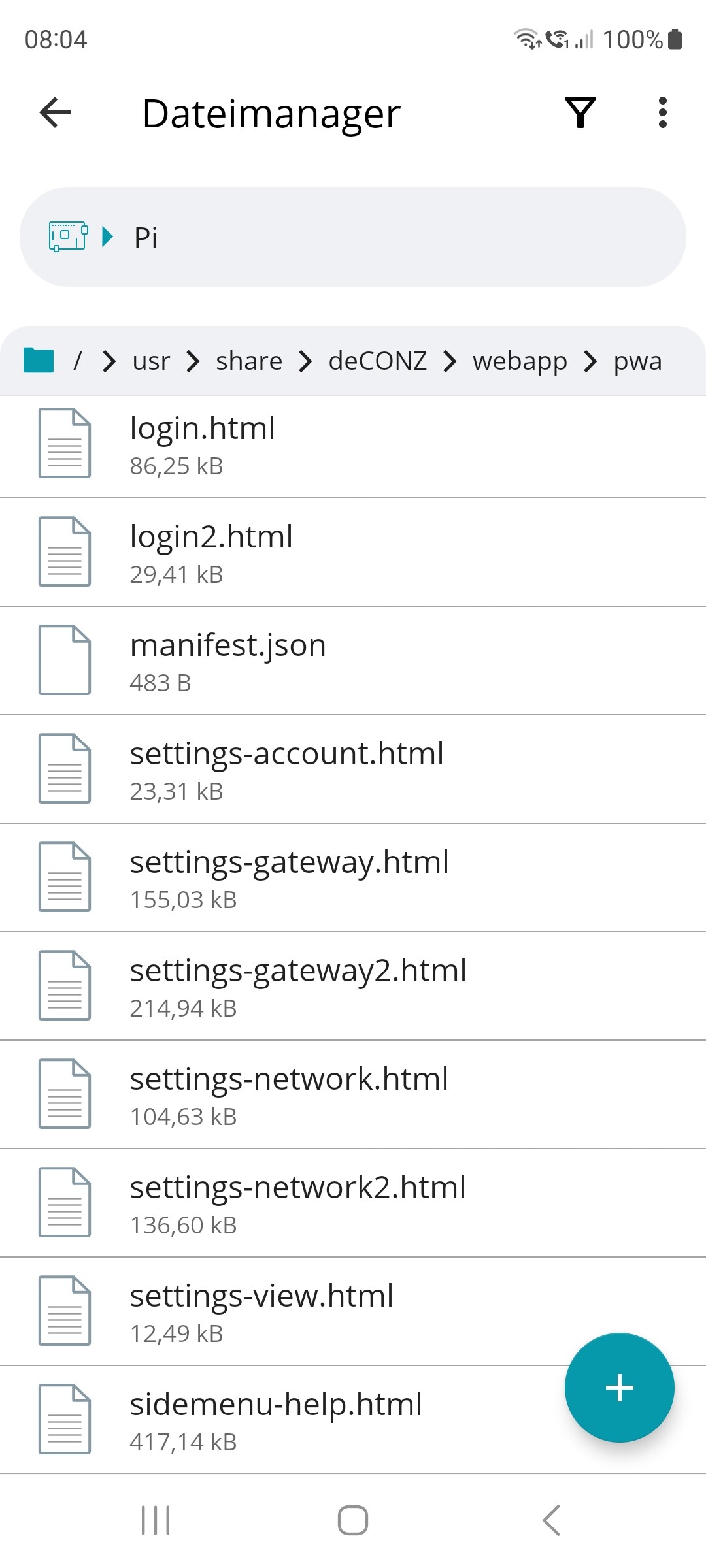
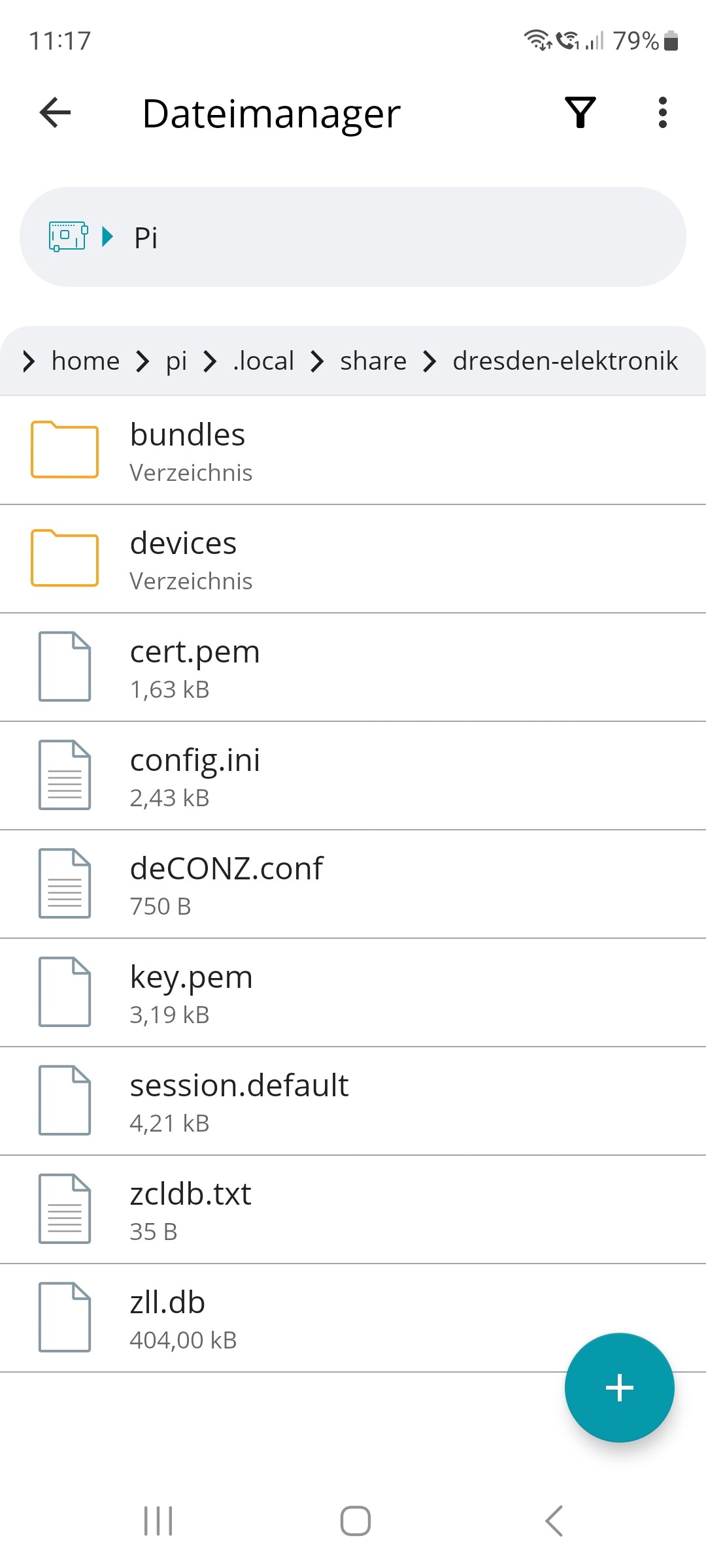
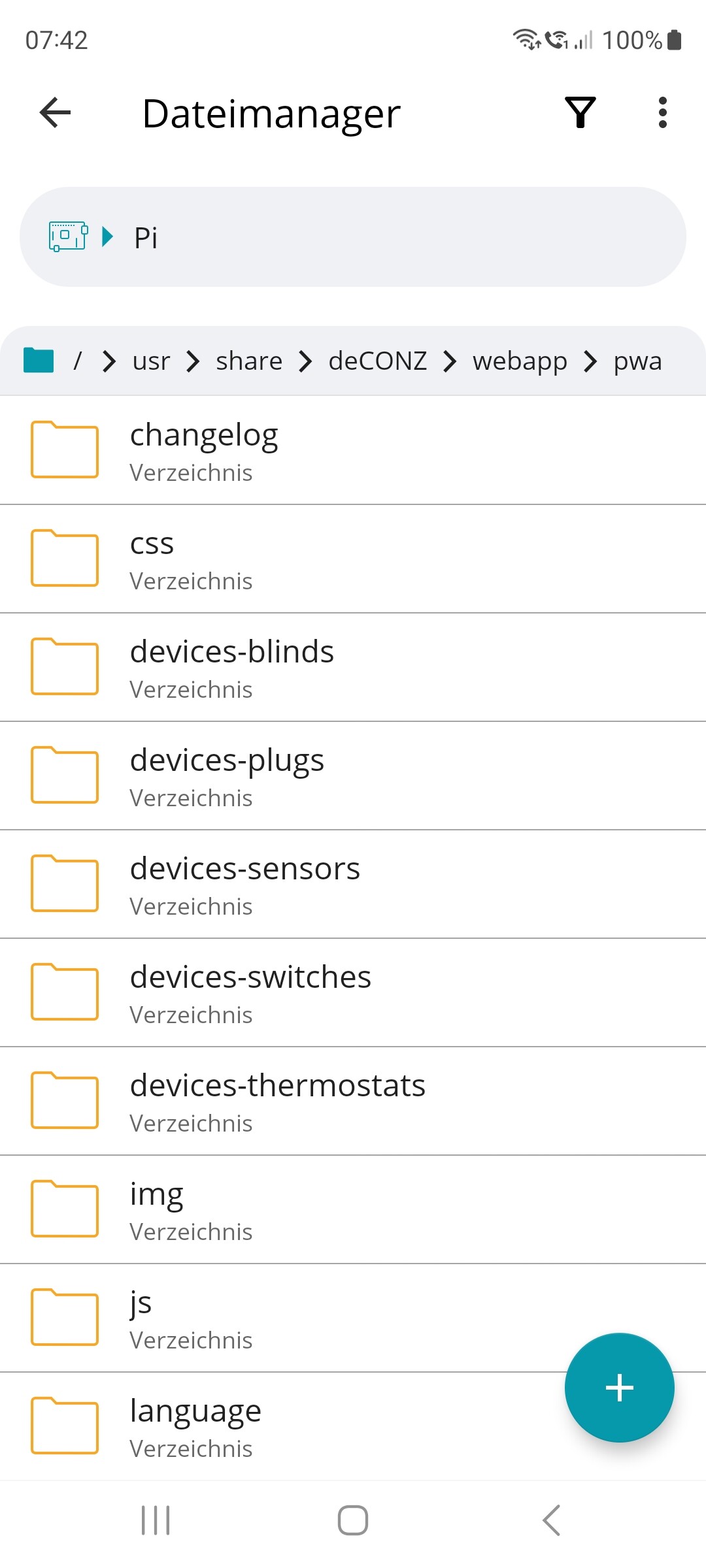
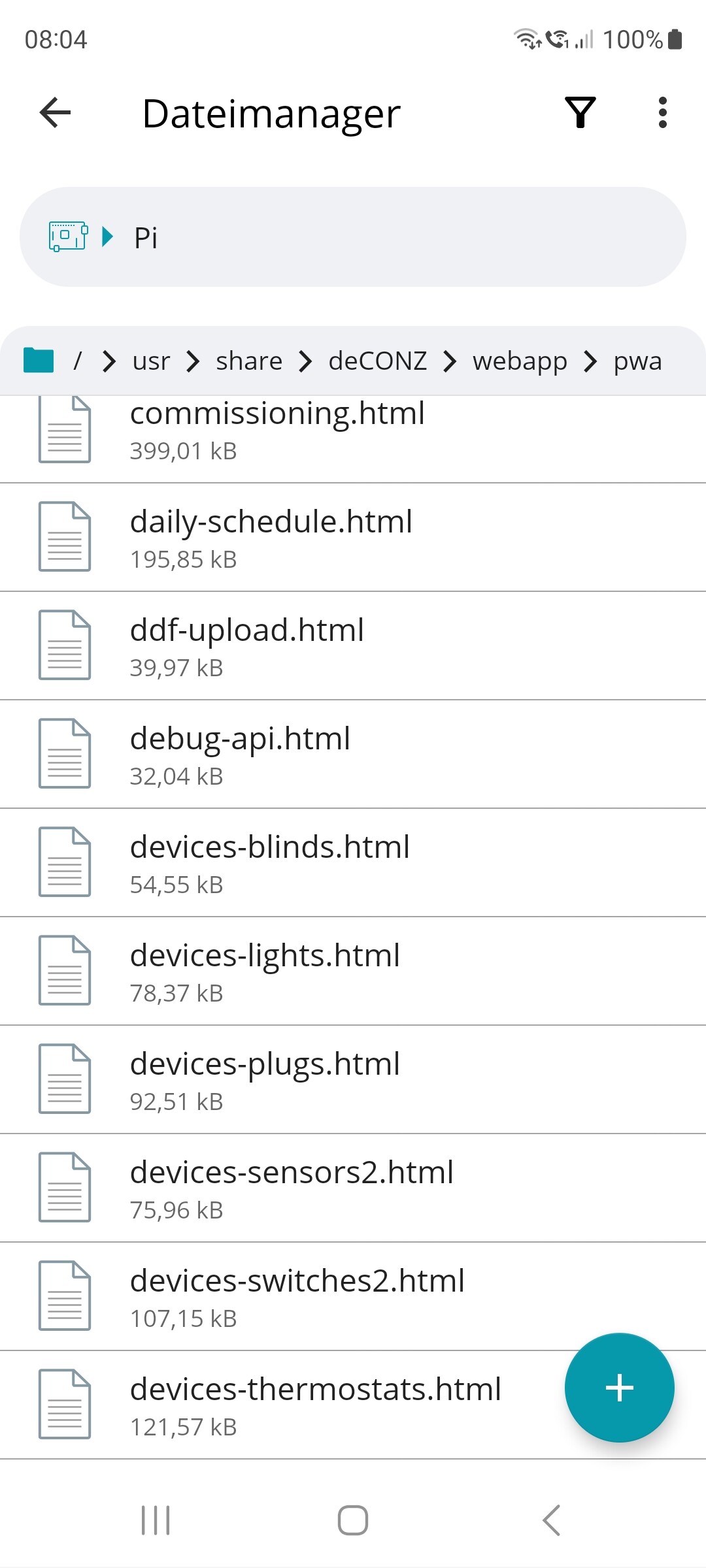
I found the folder on the Raspberry Pi.

Could it be that because there are two settings there, Network and Gateway, it doesn’t know which one to refer to?

What are you talking about ?
Have you read my previous link ? you need to run deconz with command line to get logs, in direct live or to a file if you prefer.
Folders on your picture are Phoscon folders.

Folder used by deconz to create backup is /home/<USER>/.local/share/dresden-elektronik/deCONZ/


strong text

Merry Christmas

and thank you for the quick replies.


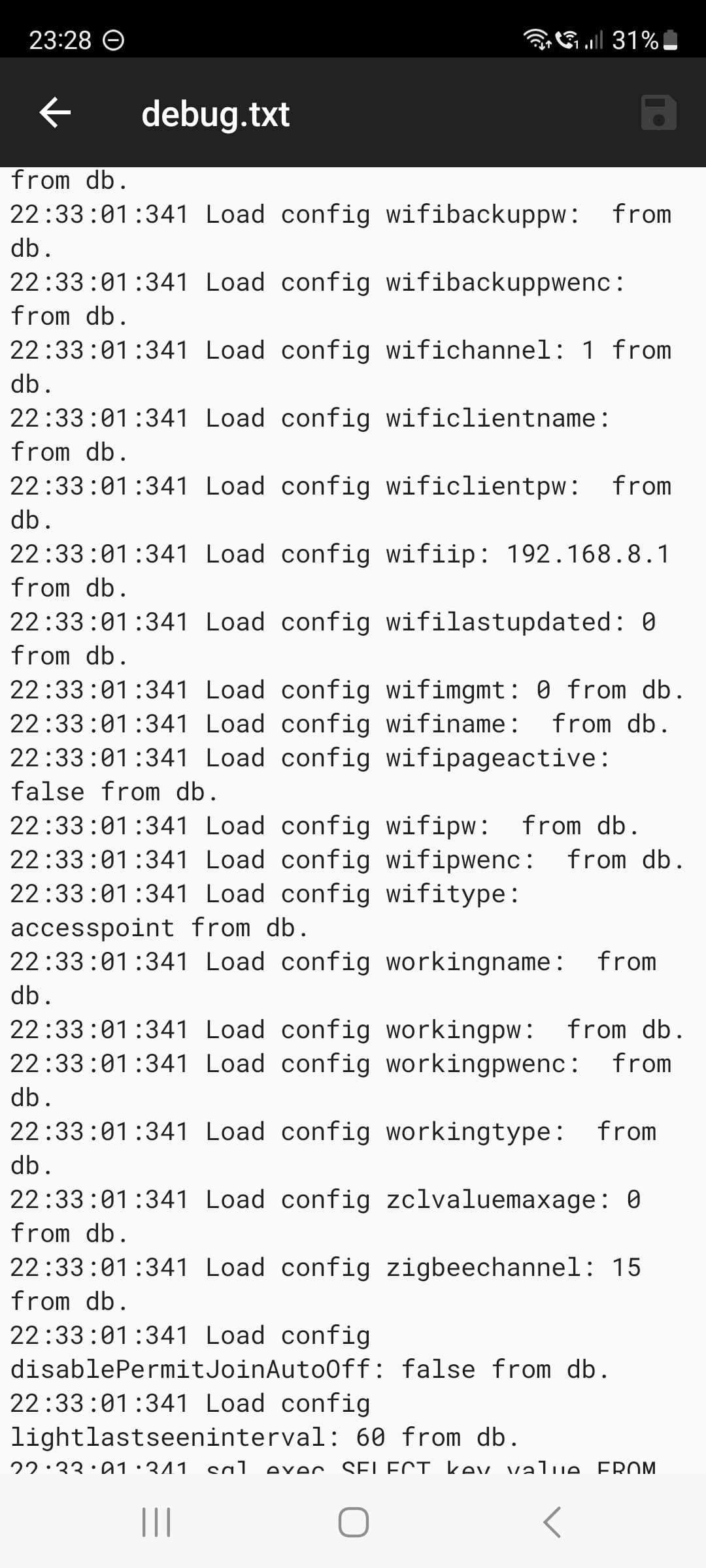
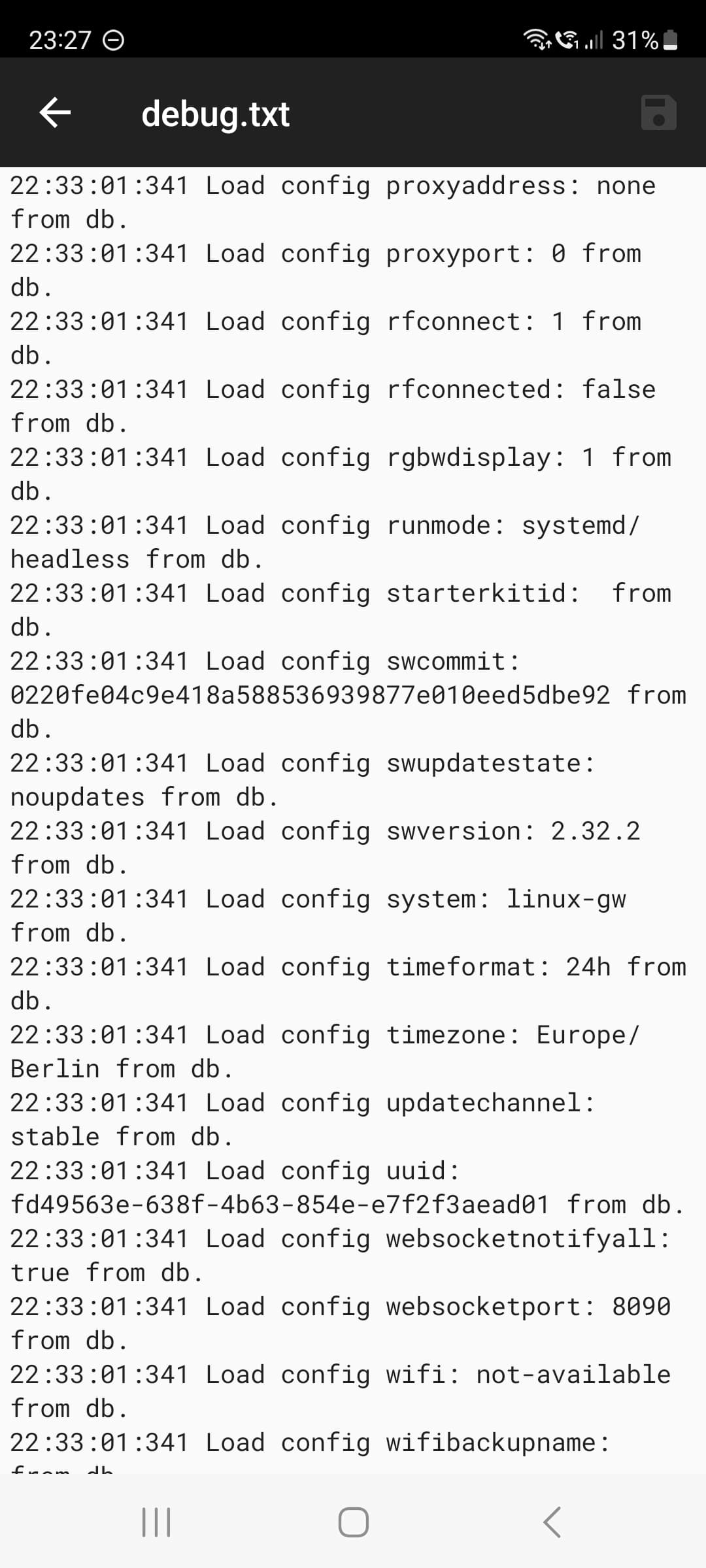
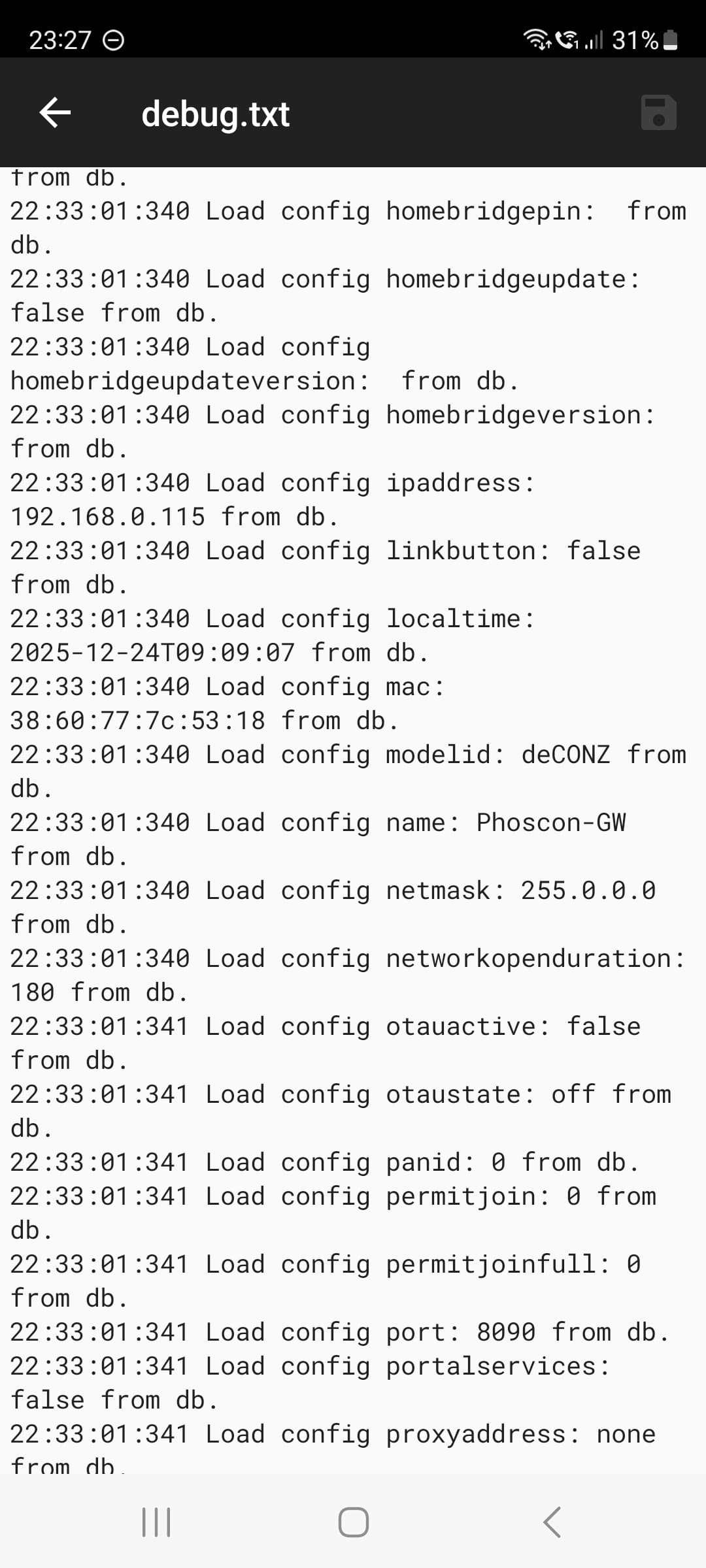
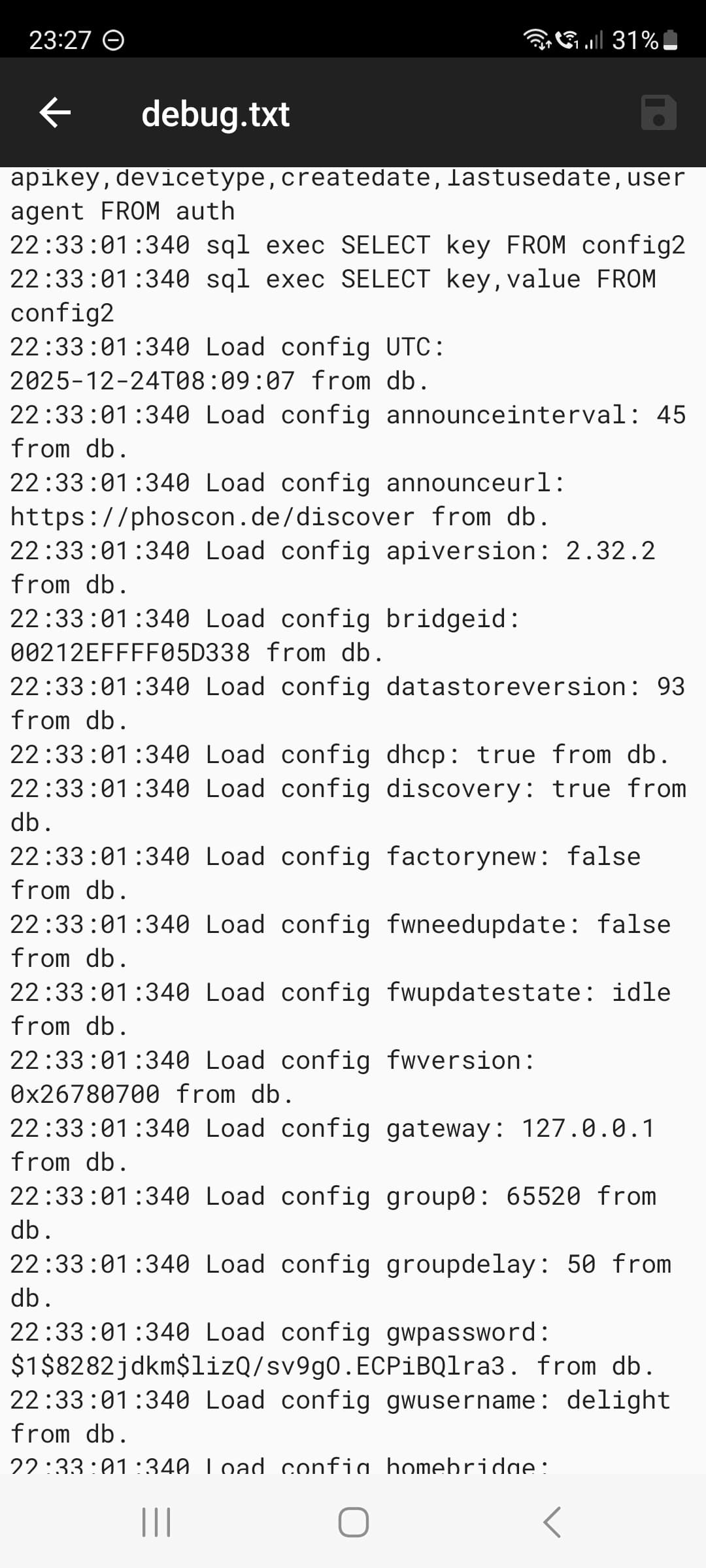
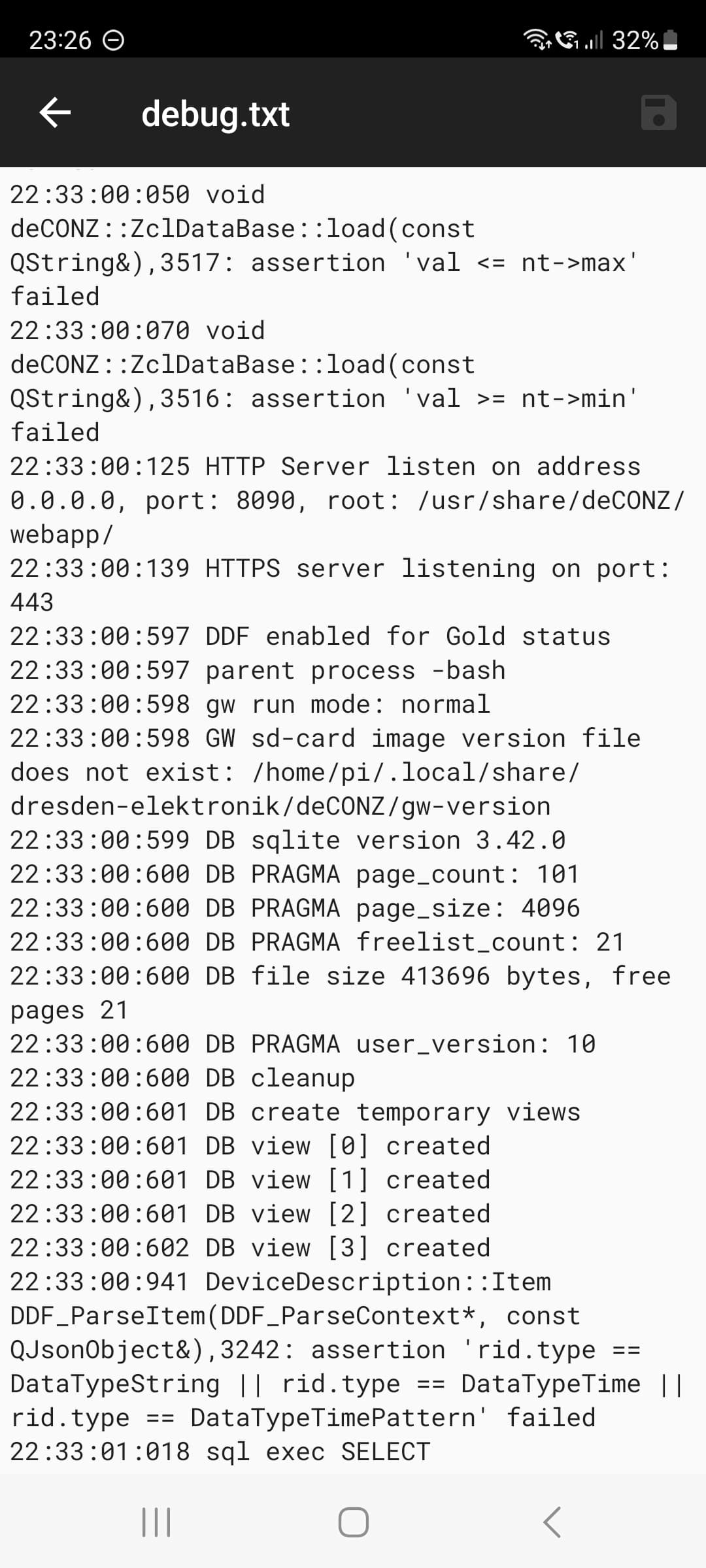
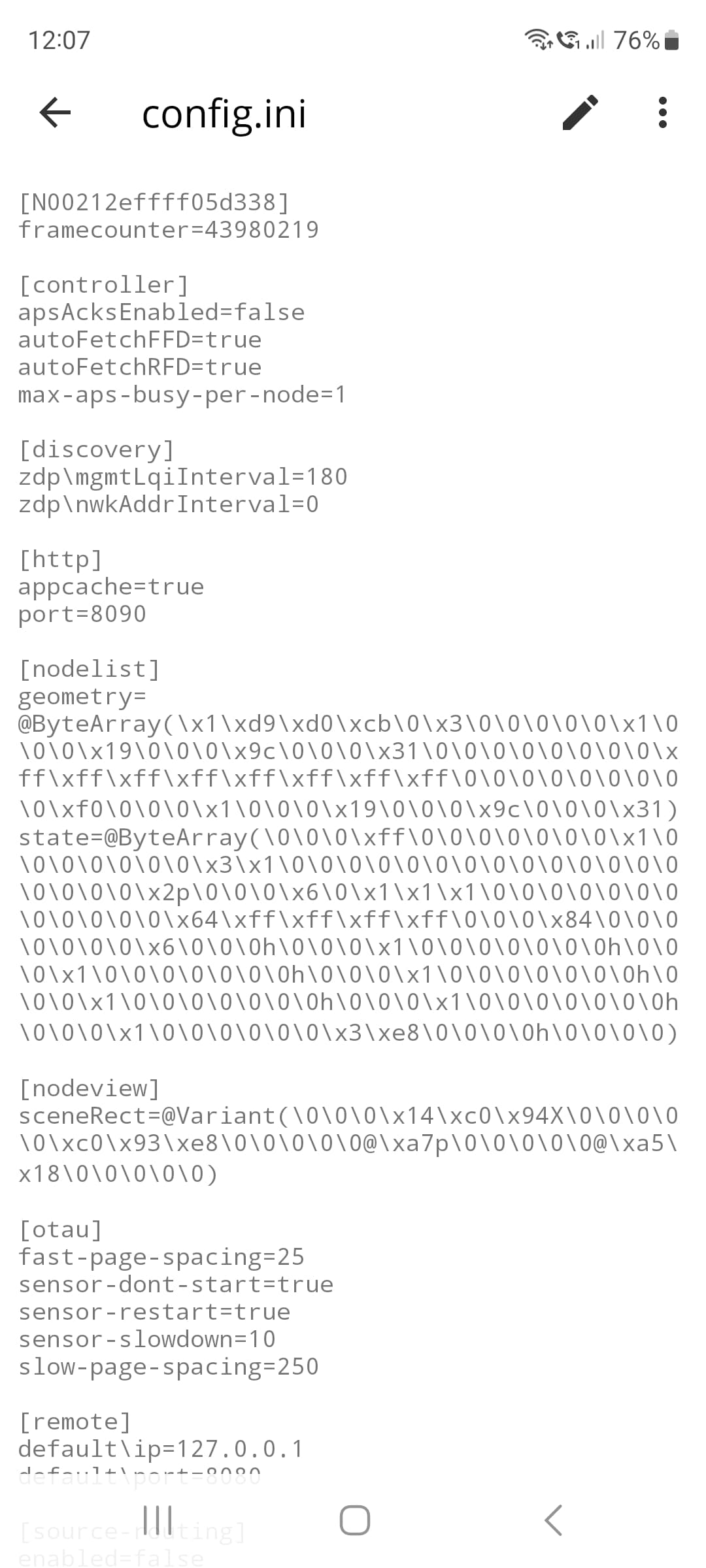
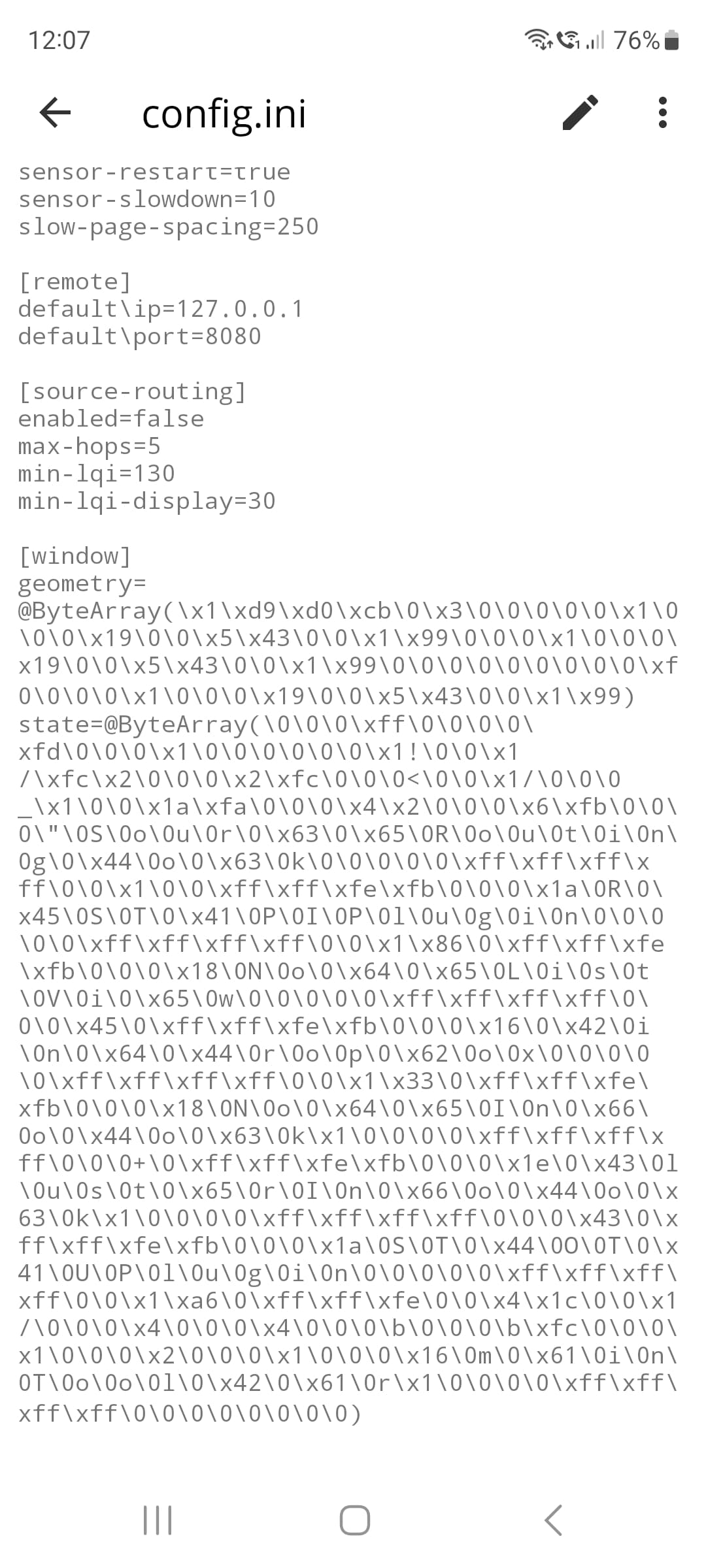
I created a debug.txt file, but I can’t upload it. That’s why I took screenshots of the file.

Nothing visible on your capture about your problem, no need to post all logs, just try to make a backup and copy paste the error message if you see one.

But from that I m reading all is fine. I don’t see something bad on your settings.
For information the code just use native shell command to make an archive called raspbee_gateway_config_YYYY-MM-DD.dat with inside another archive called deCONZ.tar and inside

With inside:

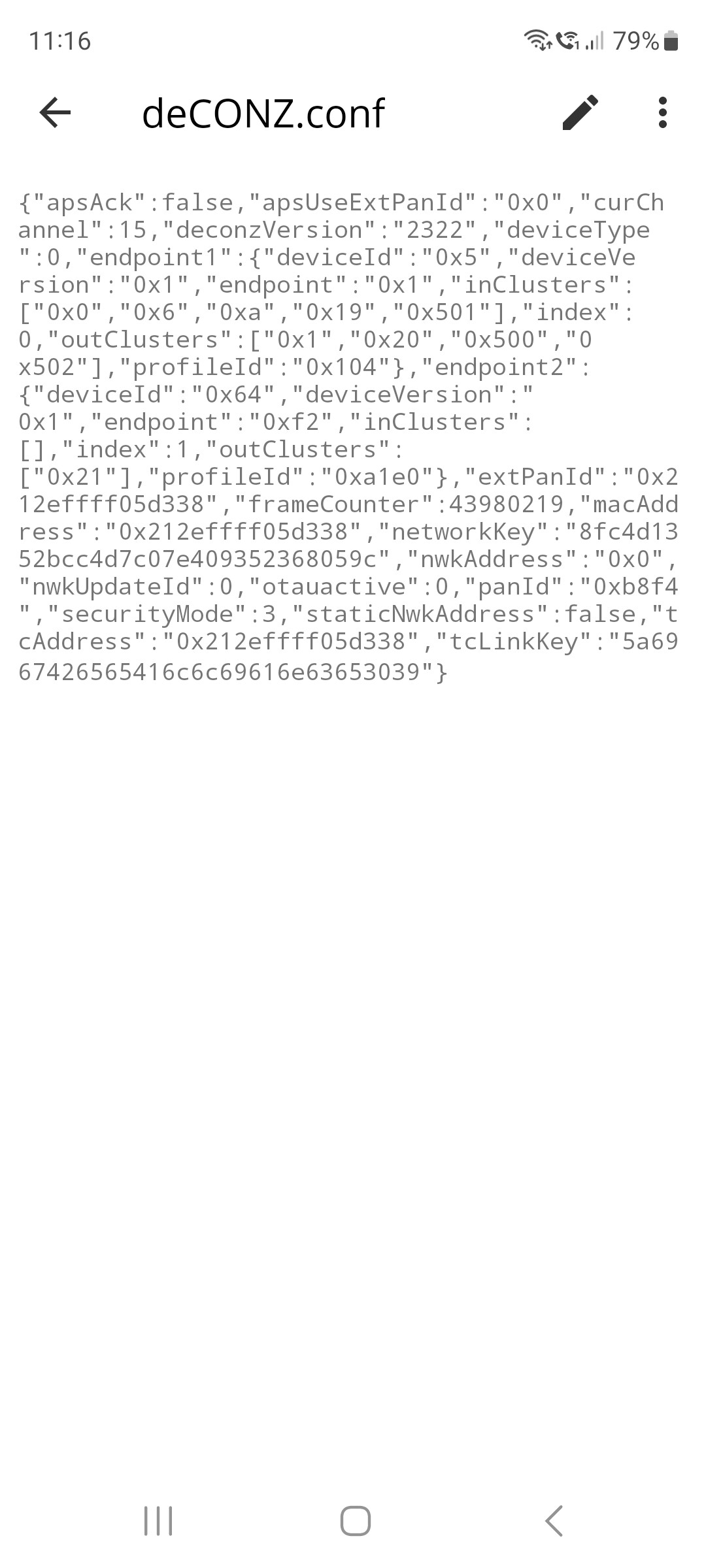
  • deCONZ.conf
  • zll.db
  • session.default (this one is no more used)

There is probably a problem on your OS to use the request, but you can make the archive yourself.

If I m right the request made by deconz is

tar -cf deCONZ.tar -C deCONZ.conf zll.db session.default

You have the c++ code here deconz-rest-plugin/backup.cpp at master · dresden-elektronik/deconz-rest-plugin · GitHub

I’ve now copied the individual files you mentioned to my phone and created a backup using the command tar -czf deconz_backup.tar.gz /home/pi/.local/share/dresden-elektronik/deCONZ/
exit.

Which I’ve also saved to my phone.

If I install deconz on a new system and overwrite the files in the folder, should all the sensors be restored? Aud Debain 13 Trixie?

No,if it have worked, it’s a full backup.
So just make a clean installation, from the start and restore the backup.

So you have a *.dat file, with inside a deCONZ.tar and inside deCONZ.conf + zll.db ?

ATM on your actual buggy installation I think restore will be blocked too, but you can make a try on another machine to be sure it works.
For information some sensors like Xiaomi/Aquara leave the network if their parent is disconnected, so if they are out the network for some days you can be sure you will need to re-include them.