Cross your fingers!
Since it depends of the doorlock switchs to an other router or not, this is totally random.
Last weeks, I had chance and my main doorlock has remained connected a long time, it was a nightmare the first days after I upgraded the danalock to 0.20.0.
I saw a new danalock firmware today, I was optimistic but your messages are like a cold shower  And this it too late, I already did the upgrade, let’s see in 30 minutes
FYI we are still in contact with Danalock and there developers. Signs are good for a proper solution but we can´t give you any release time yet.
That’s good to hear, thank you. One of my locks not working is driving me mad 
@Gautama Any news regarding this issue?
I have been playing quite a lot with my lock. The only positive with my lock is that it got the old bootloader so I can upgrade and downgrade the firmware as I wish 
At least here at me, the solution has been to install an ikea repeater (the one that comes with their blinds) close to the lock.
After a couple of hours, the lock will route through the repeater and so far, I have had NO problems whatsoever.
No mater how long it’s been since I’ve used the lock, it reports right away when using it, both through the Danalock app and also manually (and with Danapad)
I also got a bulb nearby (actually closer then the repeater) but I guess the repeater function in that is not that good as the repeater itself.
Thanks for the idea! I am trying that right now.
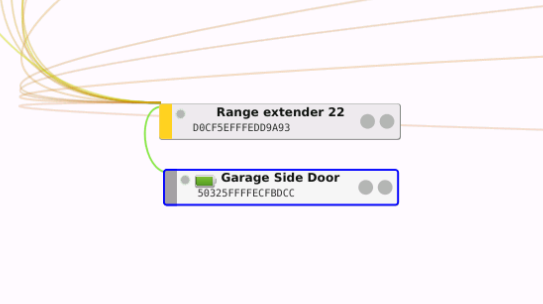
As an aside, I’ve had to replace the batteries in this lock 3 times in the last 2 months now. I can only assume the Zigbee connection is draining the batteries.
Didn’t work for me I’m afraid. Dropped off almost immediately.
I confirm the battery drain…
I’m guessing not, but has anyone heard anything from Danalock in terms of an ETA for a firmware update to fix this issue? They don’t respond to my support requests - I can’t believe the lack of communication and urgency on their part to get this fixed!
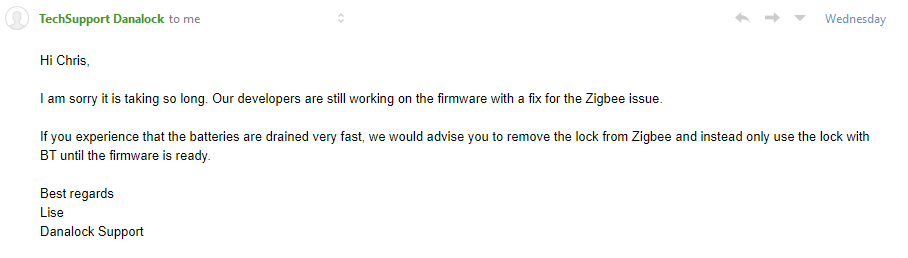
I just got an answer from Lise as well, though it’s been an week since I wrote her.
She had to wait for an answer from their developers, so I’m guessing they are quite busy, and they also just got back from 3 weeks summer holiday.
As a side note. My lock is Zigbee 1.2 and that’s why my boot loader is unlocked. The newer locks are Zigbee 3.0 and got an locked boot loader. That’s maybe why some got problems with the latest firmware and some don’t, depending on which Zigbee profile they are on.
Hello,
I bought danalock v3 with firmware 0.17.5 and add to deconz by dff mode (version 2.17.01) It works few hours, but now it disconnected from Phoscon.
I have a few questions:
- When I adding danalock, I chose Hybrid mode from Pannels-Control. And push “Enable permit mode” in pairing. Thats all. Should I do something yet?(sorry, this this my firs device by DDF mide). Would be save Hybrid mode for other devices, or I should choose it every time?
- I can see new firmware with version 0.20.2. Should I update it or will be more stable use old 0.17.5 version?
The “standard” setting is “Basic”.
Better to use Phoscon to “enable the permit join” with " add new sensor".
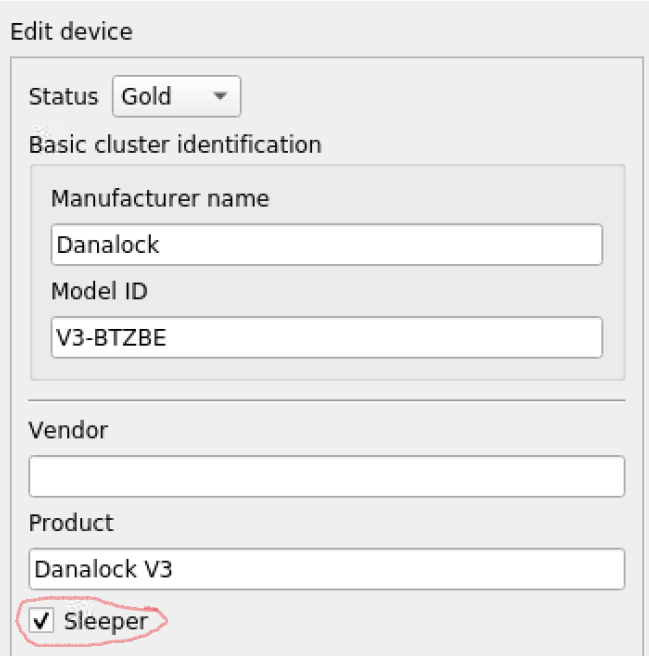
I think it’s not a sleeper, but you have a test here DDF cheat sheet · dresden-elektronik/deconz-rest-plugin Wiki · GitHub
What might be important for a device in general is to know if it is a sleeper or not. Mains powered devices are not concerned by this (there might be some hybrid exceptions), but battery powered sensors.
In order to find out, select the basic cluster for a device and double click on the number right of its name (this directly shows the available attributes in the cluster info panel). Then select attribute 0x0005 (Model Identifier), double click on its value and press, read button (not read config) and observe the dot left to the battery icon. If it doesn’t blink green in about 10 seconds, reading the attribute has failed being a good indication for the device being a sleeper. To get a higher confidence, you might want to try this with some other clusters/attributes of interest.
Danalock has horribly slow software development 
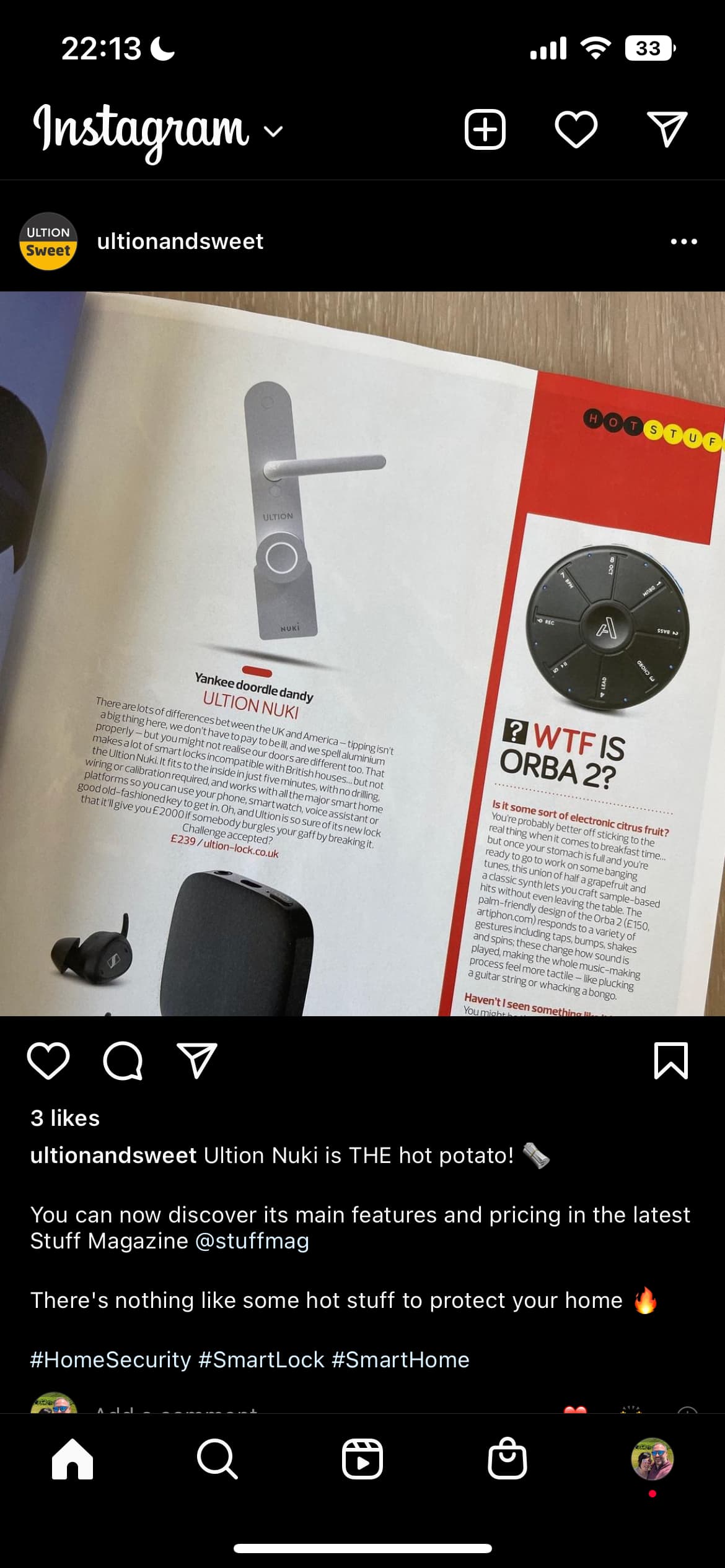
I’m not convinced by Nuki too. It’s slow, unreliable when the bridge is 3meters away from the smart lock. I don’t want bluetooth anymore for my locks. It was my first locks during months, then I switched to Danalock.
I put Danalock in untrusted vendors, it’s a shame their product is still not working after months. We can be patient but we are talking about months for a product which does not fit his main feature: opening and closing the door.
I think I will give a try to Tuya smart lock M501 you can find in China.
@Gautama anything new from Danalock? on a personal note I went on a 3-month holiday to zigbee2mqtt land. it was beautiful in some parts. but horrible on other parts. But now I and my 150 devices are back in deconz land. horrible to repair everything so many times but what can you do. But the takeaway from that trip is that the Danalock worked flawlessly for 3months is there anything we can take from their device handler mabby that we have missed in deconz? zigbee2mqtt is the only software where the lock works as intended. smarthing=no, deconz = no, zha = no atleas on my tests 
The device is working better on Z2M ? The issue is not general ?