my deCONZ bridge is running reliable since a while with just a few device, Ikea Styrbar & Tradfri 30W.
Now I am onto replacing some of my EnOcean rocker switches (energy harvesting) & related actuators, with basically same kind of ZigBee Rocker switches (energy harvesting), JungFOH /PhilipsFOH / FOHSWITCHES (ZGP, battery less). Actuators shall be Shelly 1PM Mini Gen4 resp. Shelly 2PM Gen4 in some in some places.
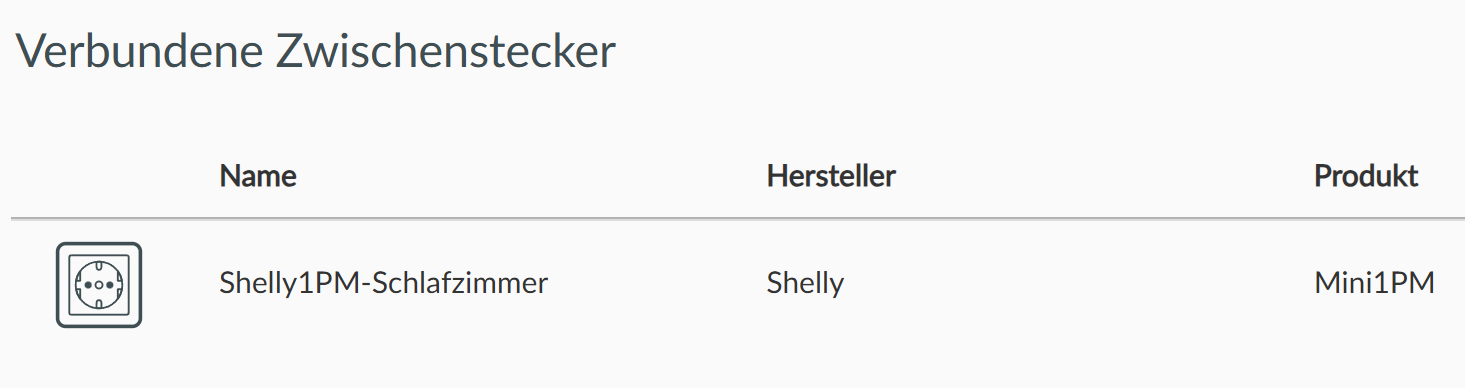
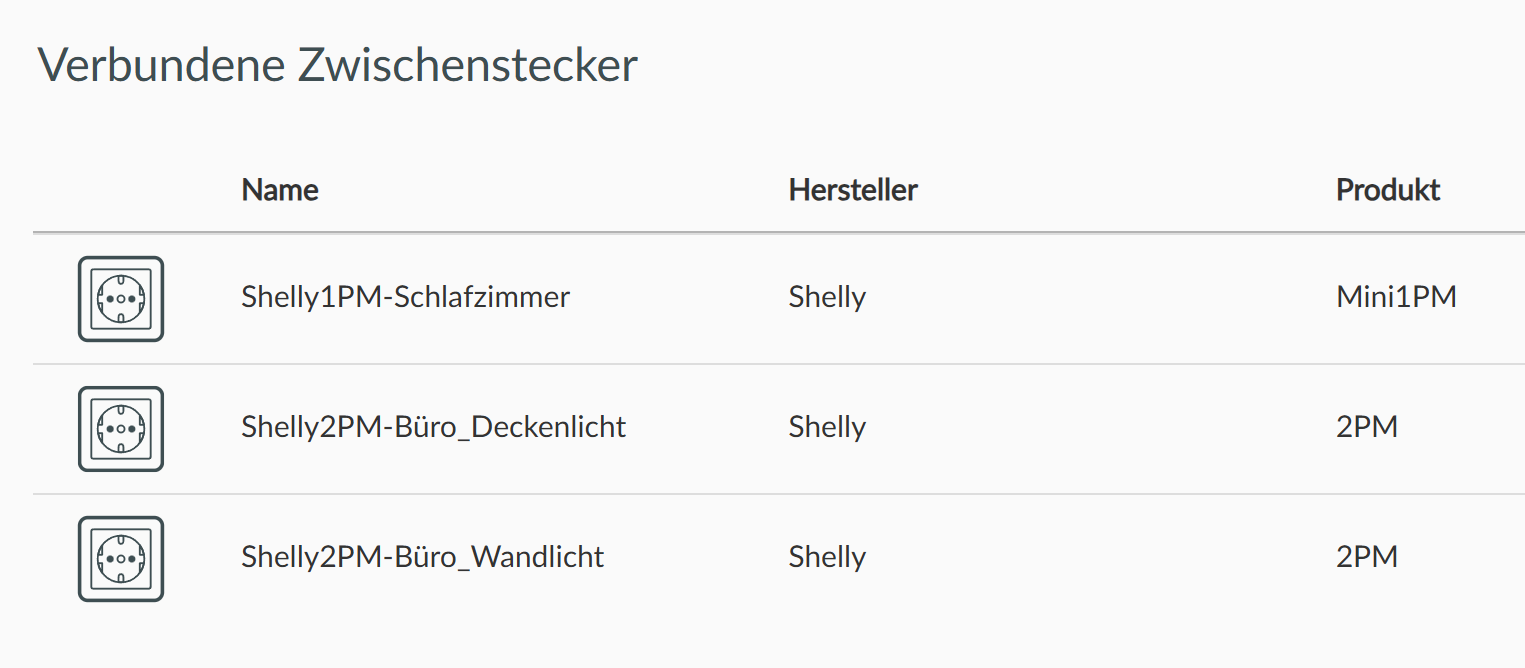
Used to Shelly’s, I made my self warming up with on Shelly 1PM Mini Gen4 switching to ZigBee Mode. Could pair using Phoscon:
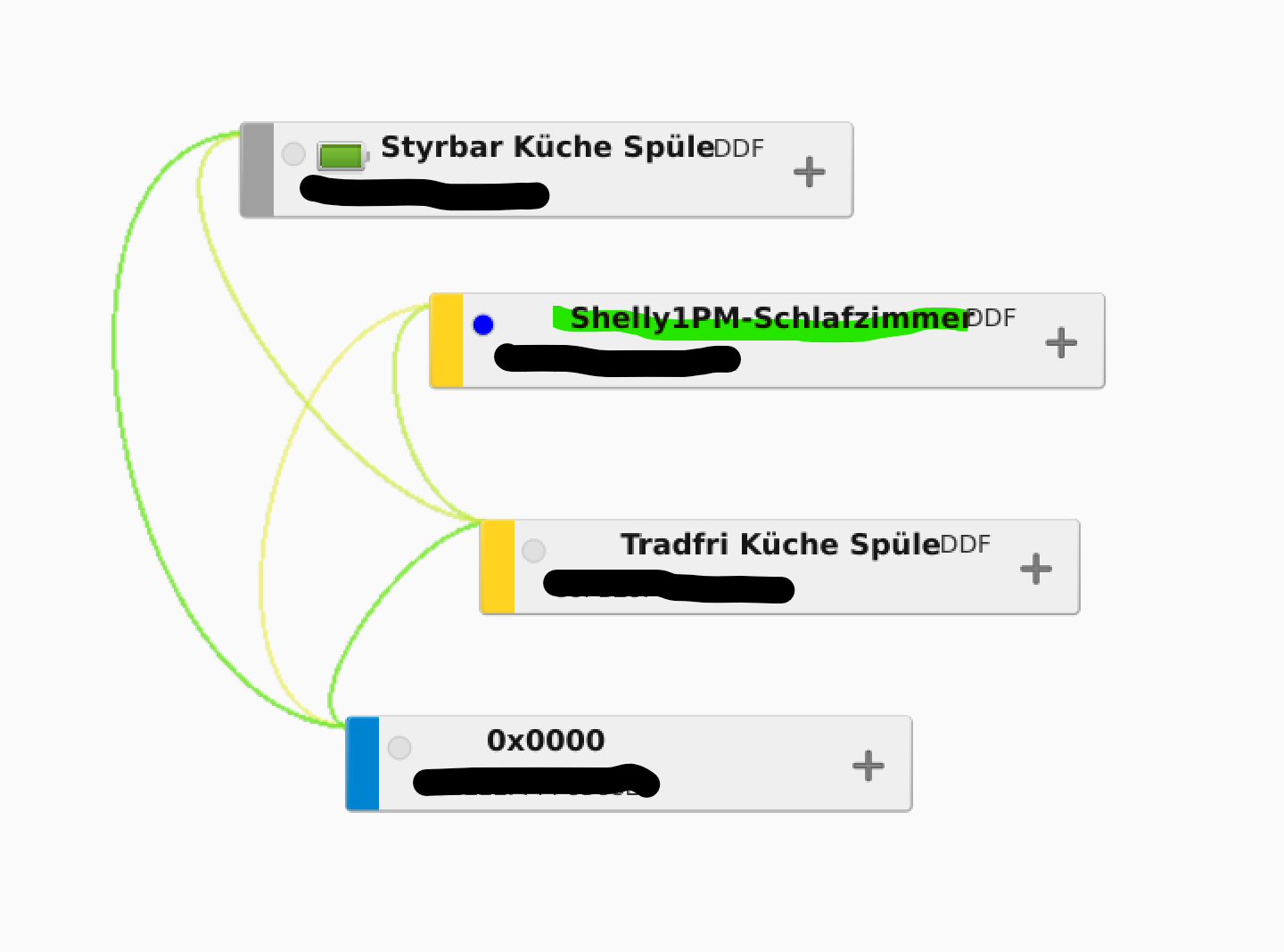
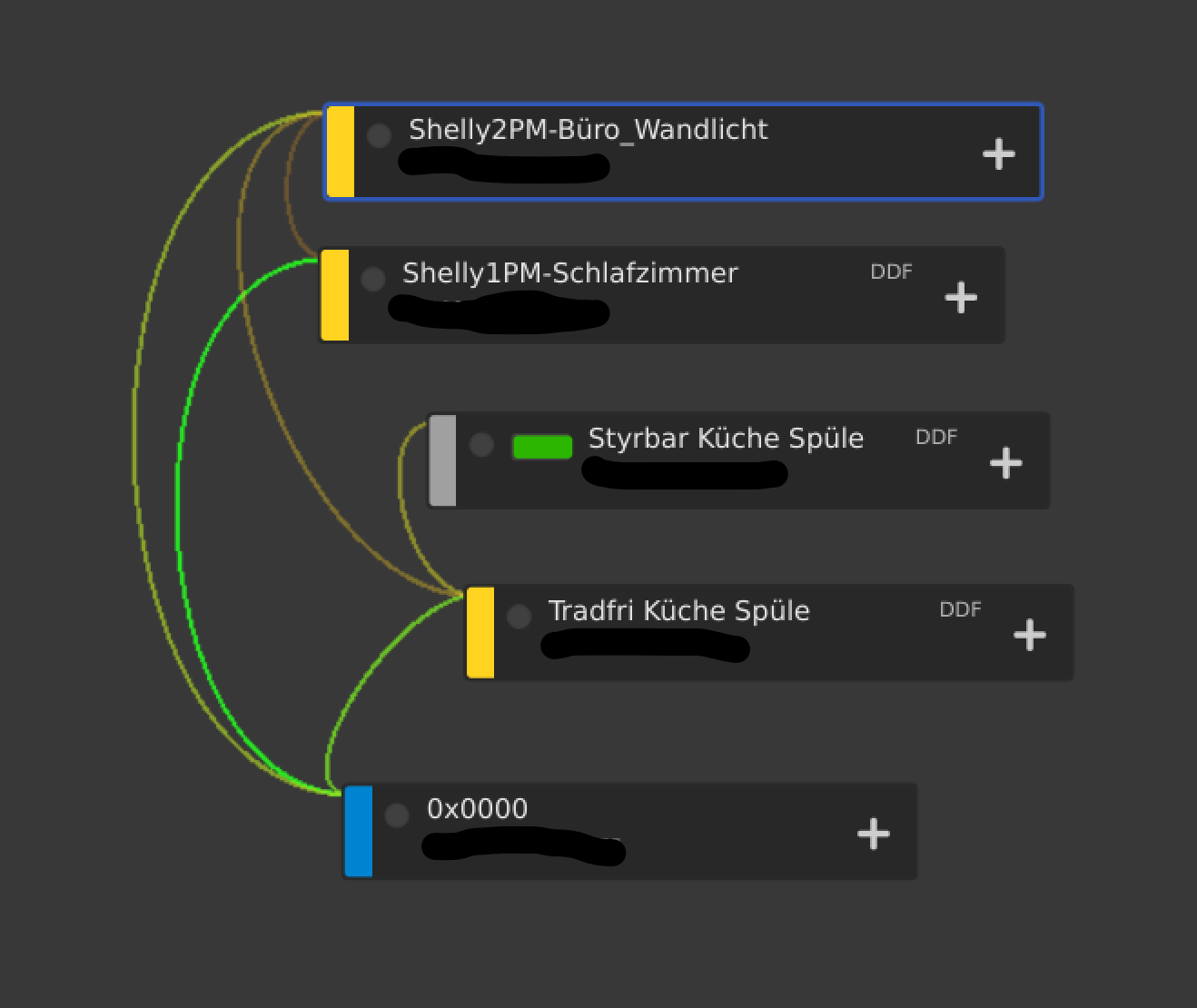
Don’t ask me why there’s initially a binding between that Tradfri & the Shelly, I guess it has something to with the Tradfri’s capability to act as ZGP proxy …
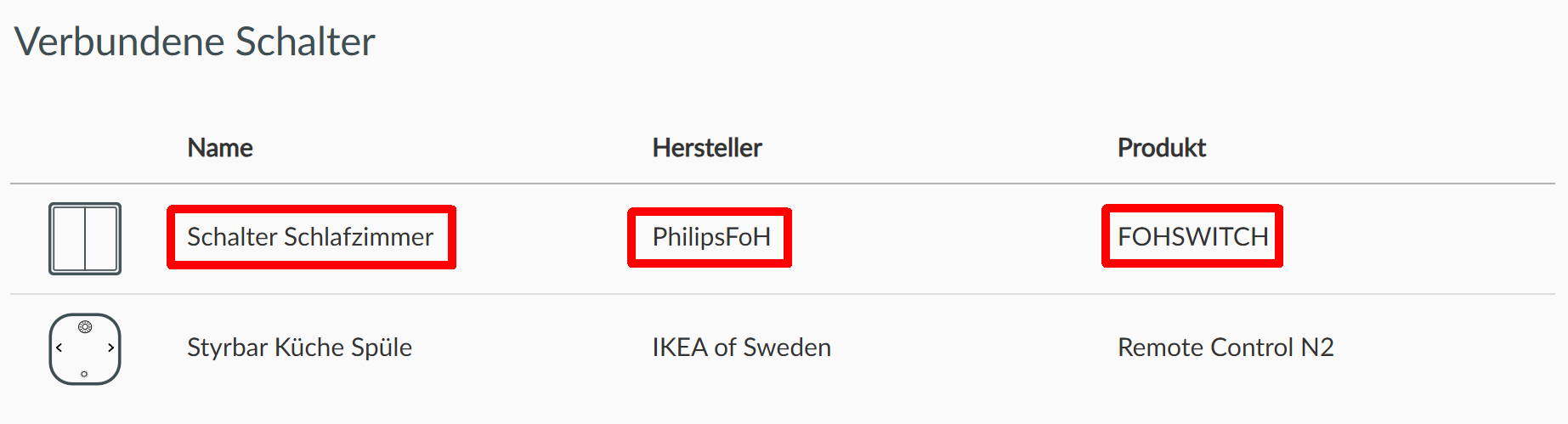
So, since I don’t see the ZGB rocker within deCONZ, I am not able to setup an ON/OFF binding between that switch and the actuator, what would be all I need to switch central light in that room.
Has my thinking been to simple here? What do I miss(ed) here?
Ok, learned that those ZGP rockers are not capable for binding and not visible on network scans …
So, I could make it work using Phoscon switch mapping in a proper lighting group. That does mean to my understanding, no deCONZ / Phoscon, no switching anymore.
I ask myself if there’s a possibility to pair the rocker directly with the Shelly actuator, before adding them into deCONZ / Phoscon?
===
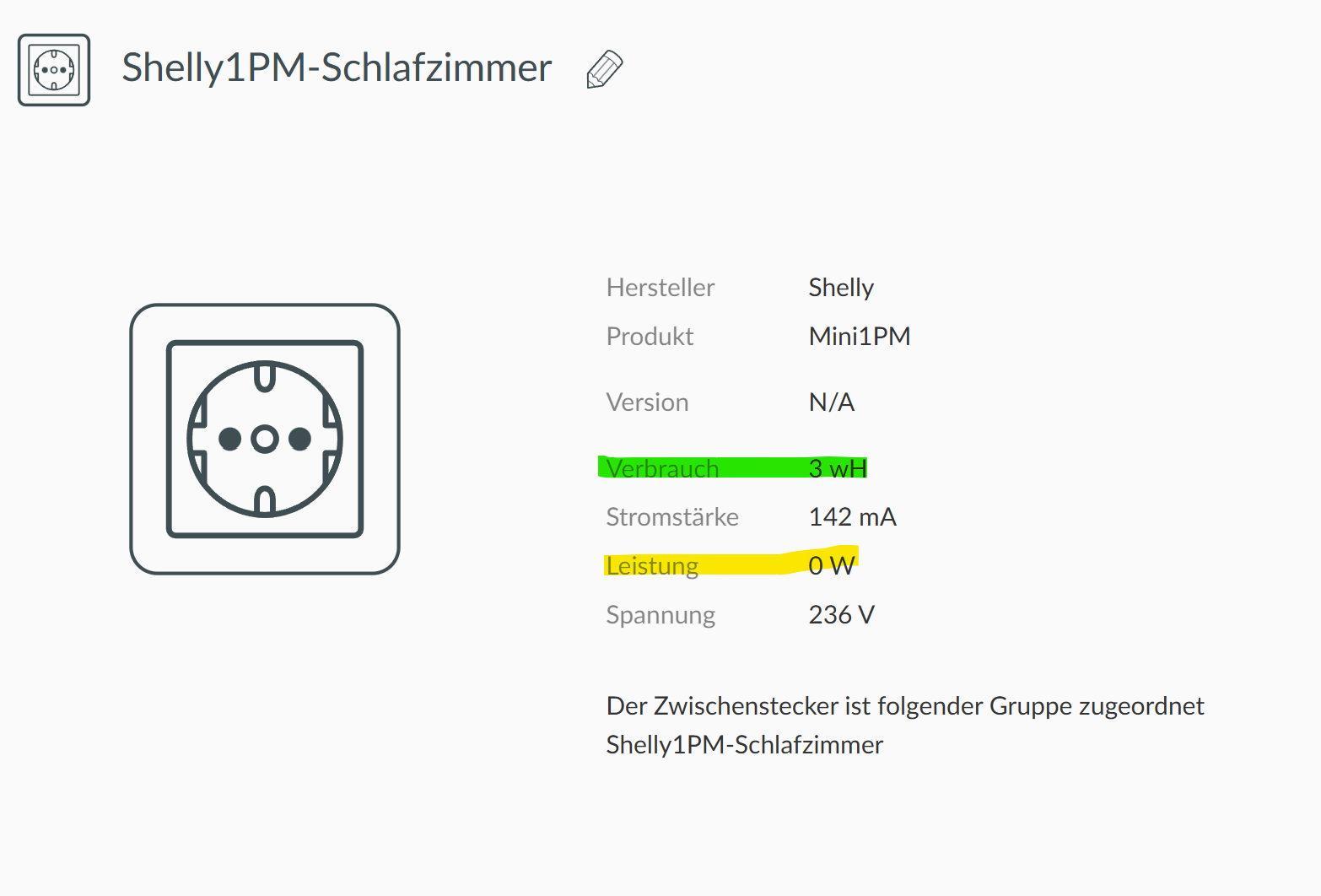
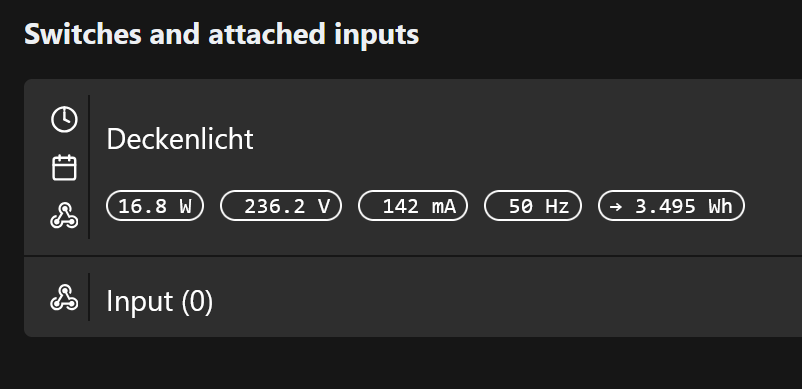
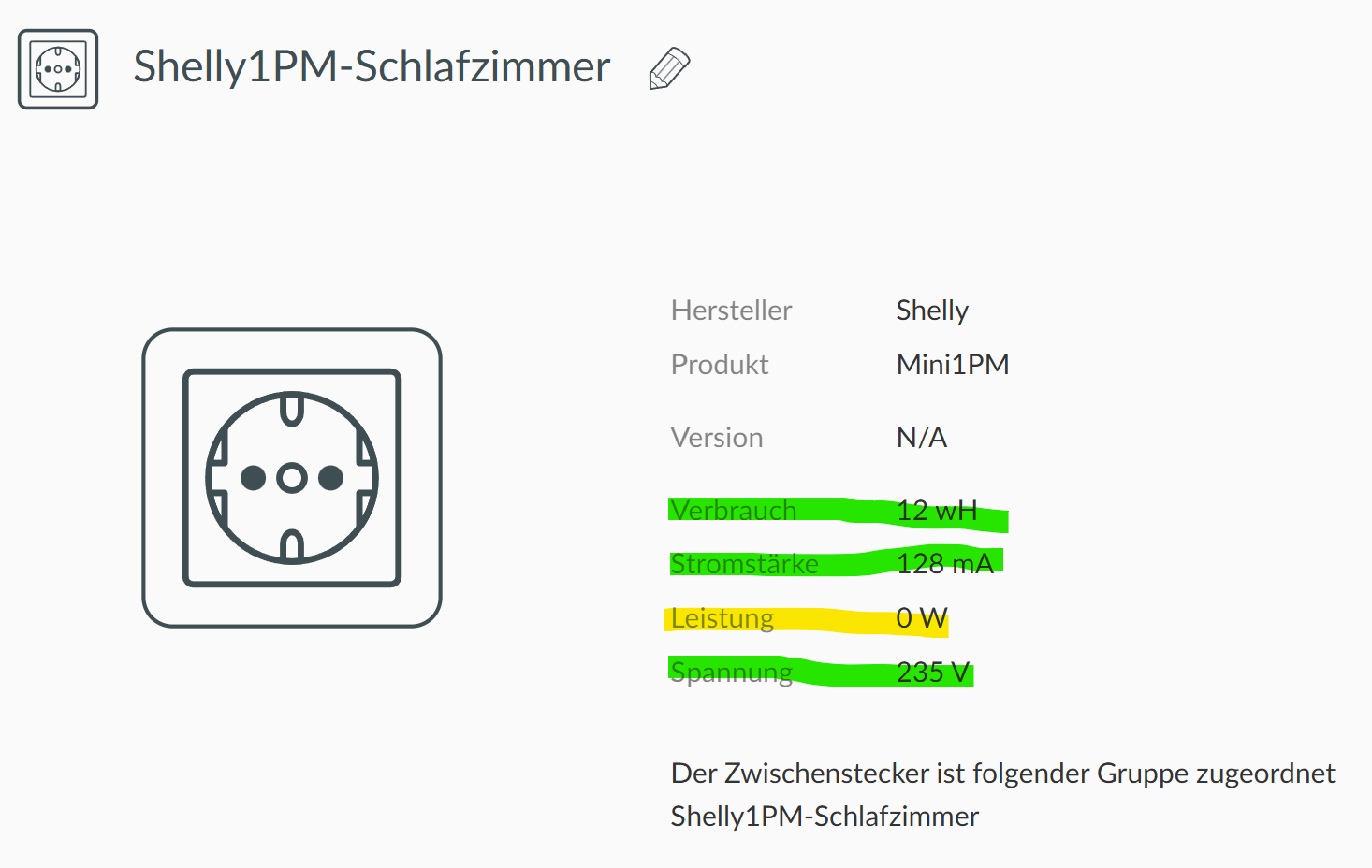
Another finding, “running power” of “Shelly 1PM Mini Gen4” is not show properly in deCONZ / Phoscon and subsequently not in openHAB or homeassistent with deCONZ integration:
Well, yes, its a screenshot from Shelly’s WebUI. Shelly remains in WiFi after enabling ZigBee. It does help on startup / setup. The Gen4 are doing WiFi6 now, what is relieving the APs. Maybe I disable it on later point in time, but firmware updates can just be done over WiFi connection … so need to be re-enabled the one or other time …
Hmm, understand. Tried to follow that threads, is it that Shelly itself does not deliver the right number thru ZigBee?
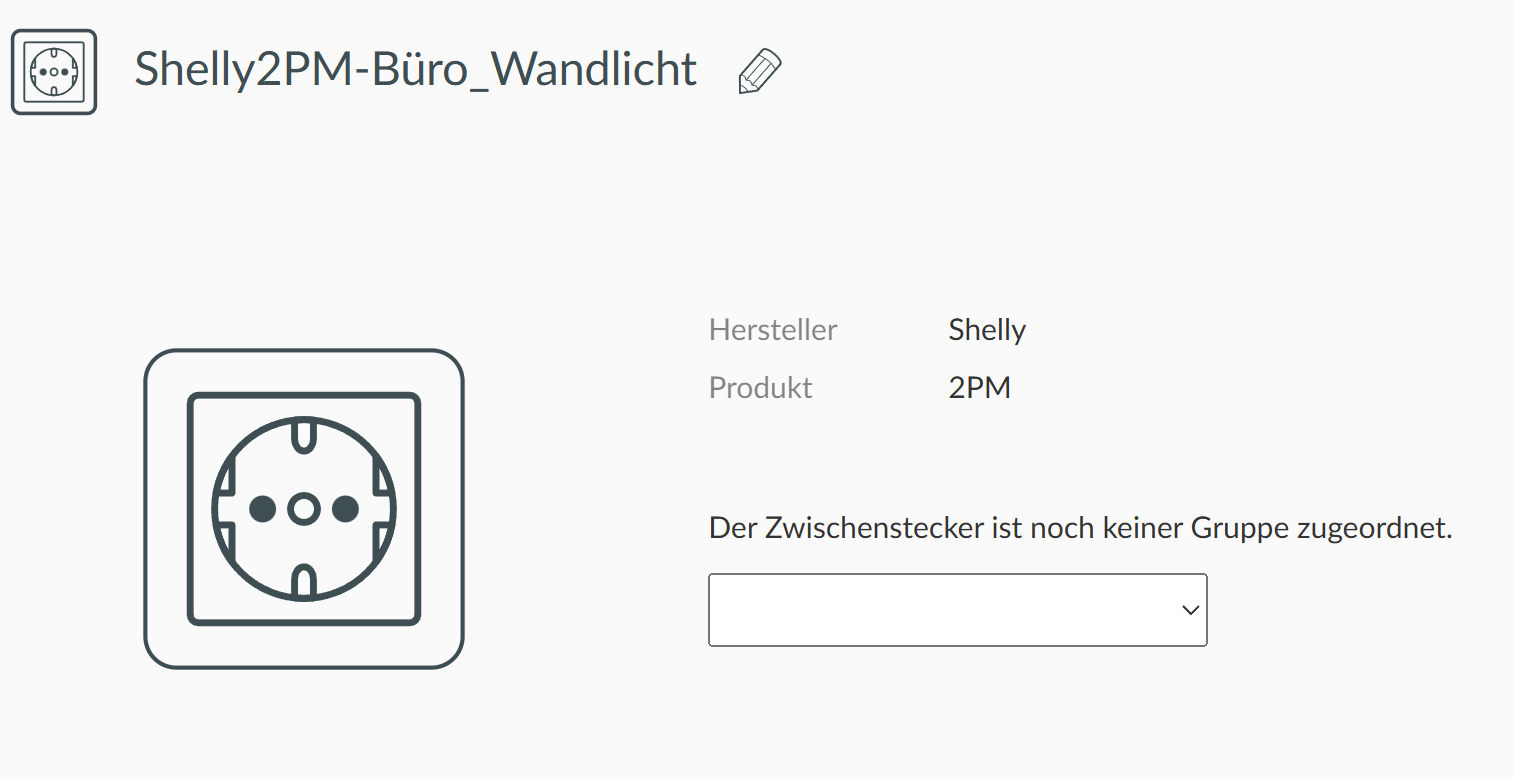
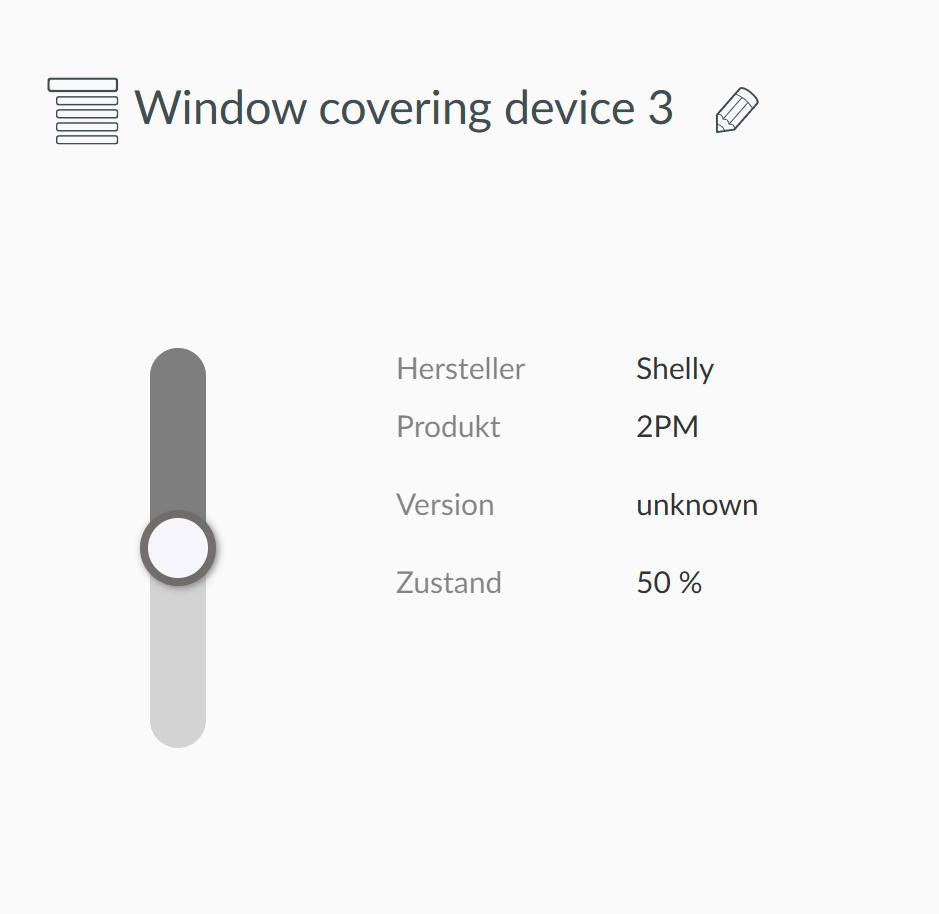
Follow on, bit offtopic, tested the first Shelly 2PM in ZigBee. It does show up as 2 devices in Phoscon, kind of similar to 2-channel EnOcean actuators:
Yes this is normal.
Deconz is a Zigbee application, it’s a gateway zigbee network <> The host. It’s pure zigbee, it show the reality.
It have a plugin the REST API to be used with third app, it’s like a gateway beetween the application and the TCP Network. Here there is lot of “magic” for the result be usable by third app, it can hide thing or add virtual one.
If you have a multiple plug with 3 output, you will have 3 “light” in the API to be able to use them independently, but in the reality there is only 1 Zigbee node.
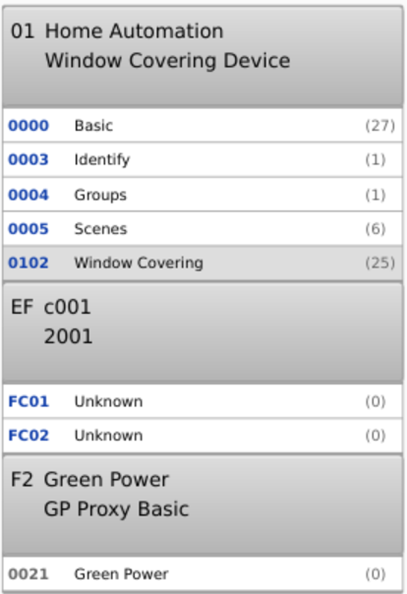
But the device is designed for covering ? It have cluster covering instead of on/off. I can make a custom DDF for you, but it will not match to the hardware.
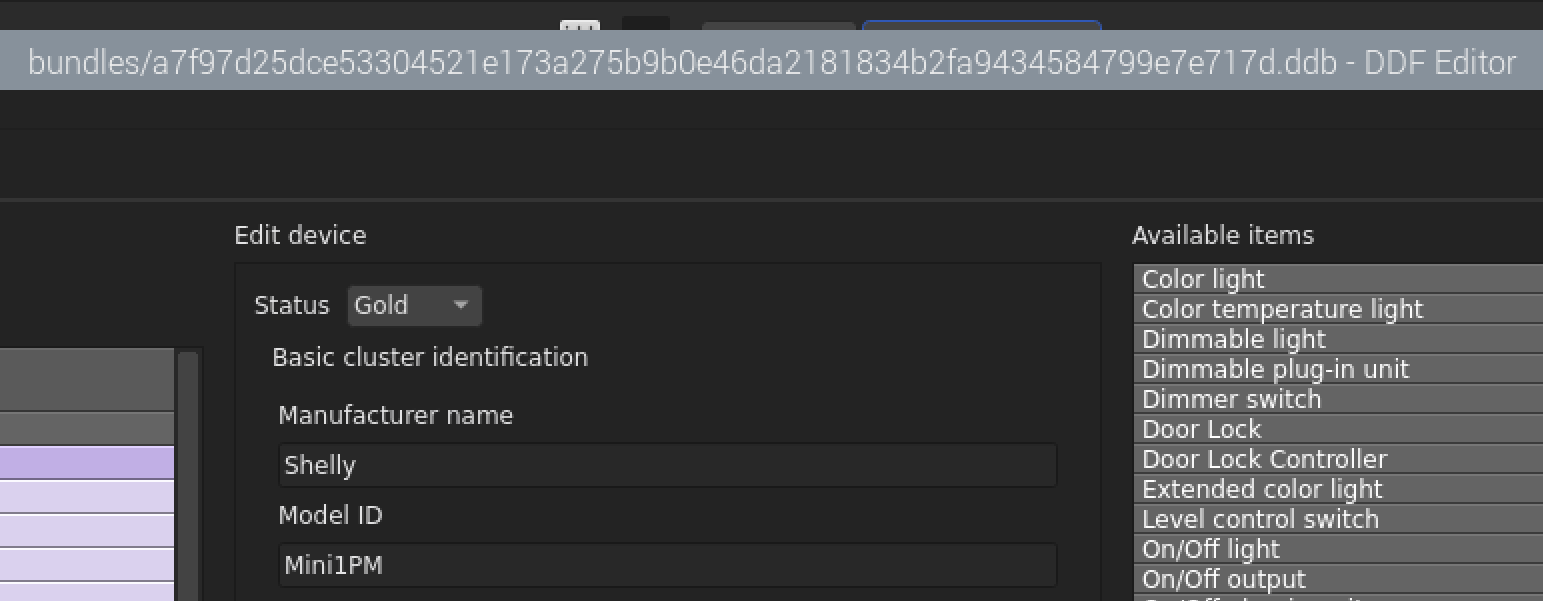
Just simply imported both DDB files, but doesn’t change, still just no “W” shown. Might it be needed to re-pair the Shelly 1PM
No need to re-pair, can restart deconz (deconz load DDF only at start).
As you have the GUI you can make a right click then edit DDF and look in the tab “preview” to see if you have the updated DDF (changes are visible on the PR link)
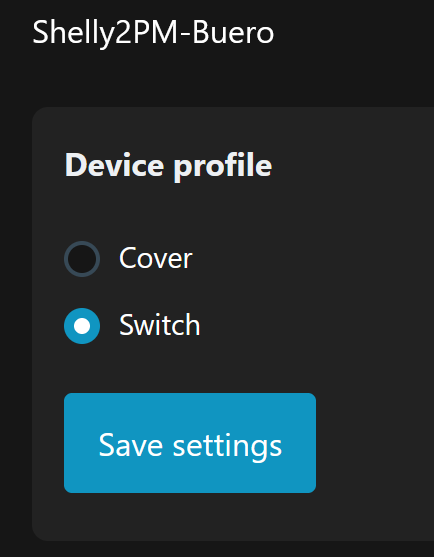
Yes and no. Shelly 2PM and all its predecessors (from Gen1 onwards) can be switched on operations profile from blind/cover towards 2-channel relay profile and vice versa …
And when you change the “Device profile” it change too visibles clusters in deconz ?
Else we have a problem, as it expose covering cluster and not on/off …
Unfortunately no change, even after reboot, albeit those DDB files got imported successfully
You have check in the GUI to see if deconz have loaded to last version ?
From the issue you need to have at least 300W consumption to have values, have you tried with a bigger device ?
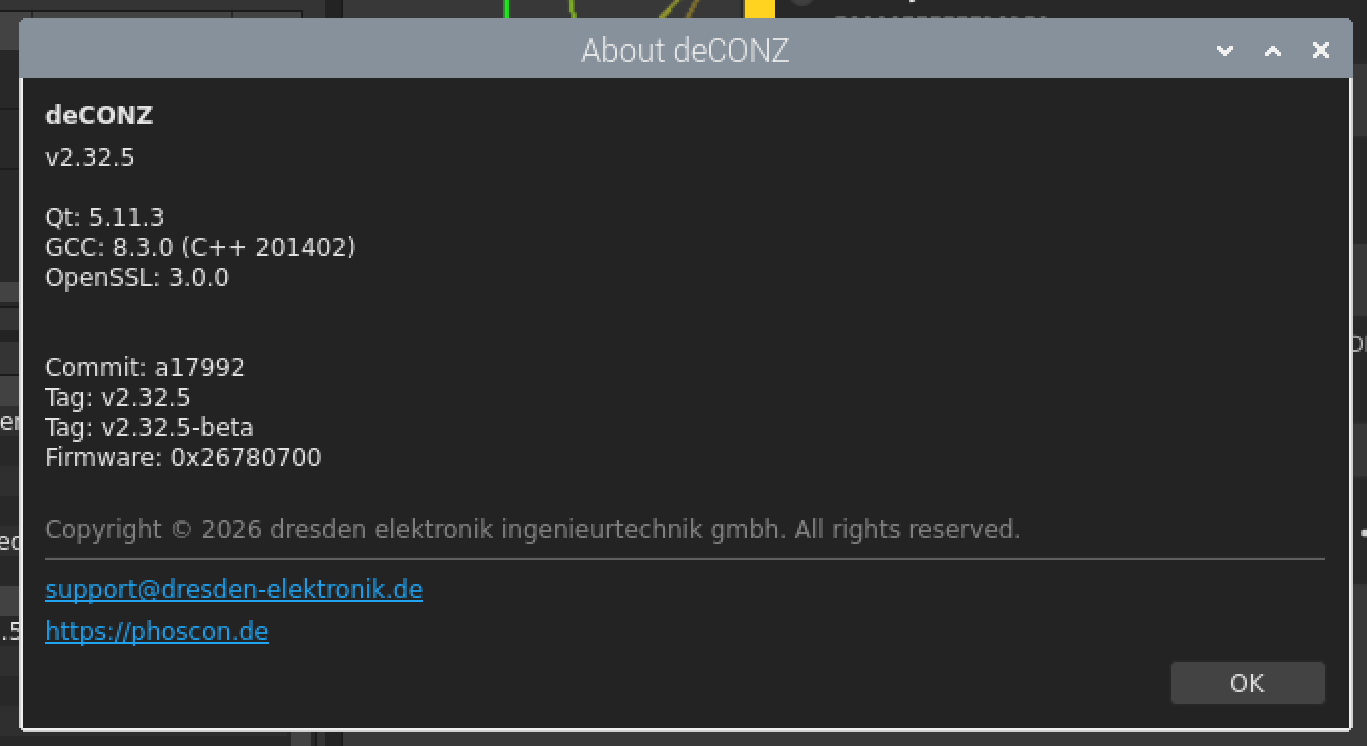
I mean the last DDF version ^^, to be sure it was loaded. else can test the v2.33.0-beta, the DDf is antive on this version.
As you have the GUI you can make a right click then edit DDF and look in the tab “preview” to see if you have the updated DDF (changes are visible on the PR link)
And yes, 300W with light is hard to reproduce …
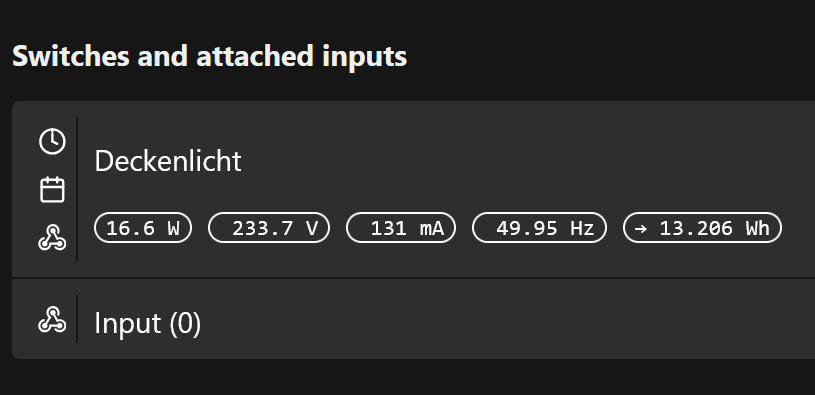
233.7V * 0.131A ~ 30.61W and not 16.6W. So, something is fishy with that numbers on (that) Shelly.
Perhaps a bad power factor ? P = U * I * Pf, on low power consumption, with lot of electronic you can have bad power factor.
It looks like that configured to cover profile:
Yes, it 's my problem, if you configure it in switch, you have same clusters (look at the cluster list in the GUI, phoscon can don’t update the device)
First, connect the Shelly 2PM to the internet via Wi-Fi and update the firmware. Then configure it as a switch, and afterwards delete it from Phoscon/deCONZ (Also the old DDF). Upon reconnection, the necessary clusters should appear to write a DDF for this device. The Wi-Fi connection can be deactivated later in deCONZ, but firmware updates can only be performed via Wi-Fi.
@Smanar But I still have no idea how we can distinguish between the two DDFs.
Hi, thank you both for your great support, I appreciate.
Well, count that as done, any Shelly here get’s latest firmware before used for anything. And I also deleted this 2PM from Phoscon / deCONZ already. But I struggle a bit how to delete DDF … ? Never done before …
Yes, known, firmware update just via native WiFi connection. But its possible to disable WiFi on Shelly from deCONZ?
Lol, yes, will be the second problem, I think there a way to make a DDF according to clusters available on the device
"matchexpr": "R.hasCluster(0x01,0x0102)",
But the device need to make magic on his clusters according the mode, else we can give up immediatly.
Almost impossible on HA. But you can just delete the device and re-include it, the important thing is check if the device use “2 cluster mode”, 1 with the covering cluster and one with the on/off cluster.
We will make 2 DDF for each mode, hopping they will overwrite the previous one.
I have doubts on that. I am proceeding with my EnOcean to Shelly 1PM (ZigBee), engaged a second one and that shows also 16.6W consumpation, with a complete different ceiling light …
For me something’s wrong with that numbers from Shelly …
Actually I paused the EnOcean (2-ch.) to Shelly 2PM, hoping I can replace them soon … ?
Zigbee: Indicate Zigbee connection (initializing, steering, joined, failed) via the system LED
But anybody, please, do yourself a favor, don’t install it for now on any actively used Shelly. Its like always, Shelly calls it Beta, mainstream would just call it Alpha, I call it sneak preview, because the basics are not even reliable, e.g. device access, logon etc.