It’s this topic ?
No one have tested the proposed DDF.
It’s this topic ?
No one have tested the proposed DDF.
Oh, ok, I can test that. I guess just import that json thru Phoscon GUI and try to teach-in one of the guys in?
Depend of OS.
If you have a classic OS you just need to put the DDF in a “devices” folder.
If you have Docker and don’t know how to put json in the persistent folder can try Deconz Toolbox
Ok, found some quiet minutes to test.
Copied both .json files by @mattreim here:
to /usr/share/deCONZ/devices/shelly on my RPi based Phoscon appliance.
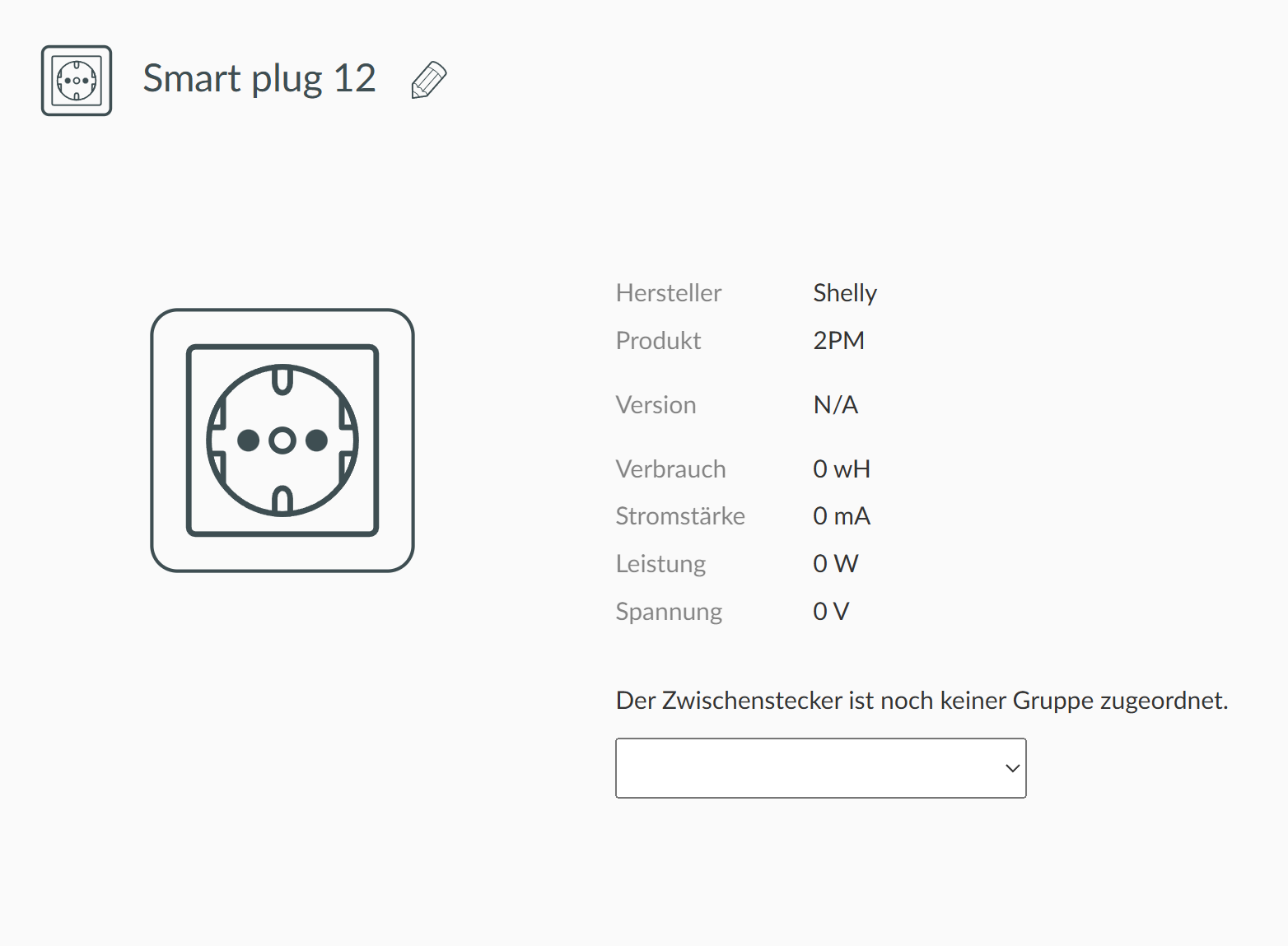
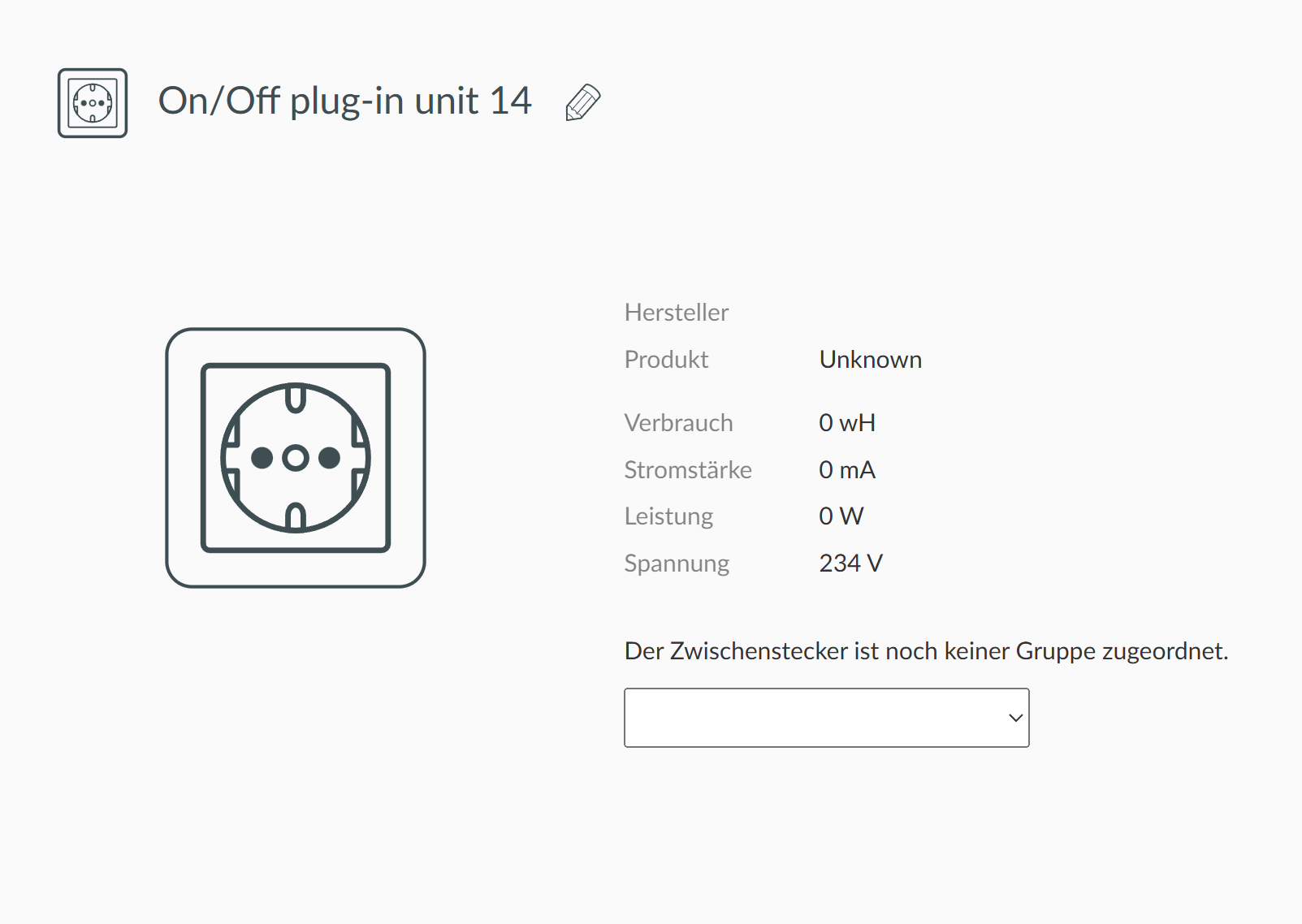
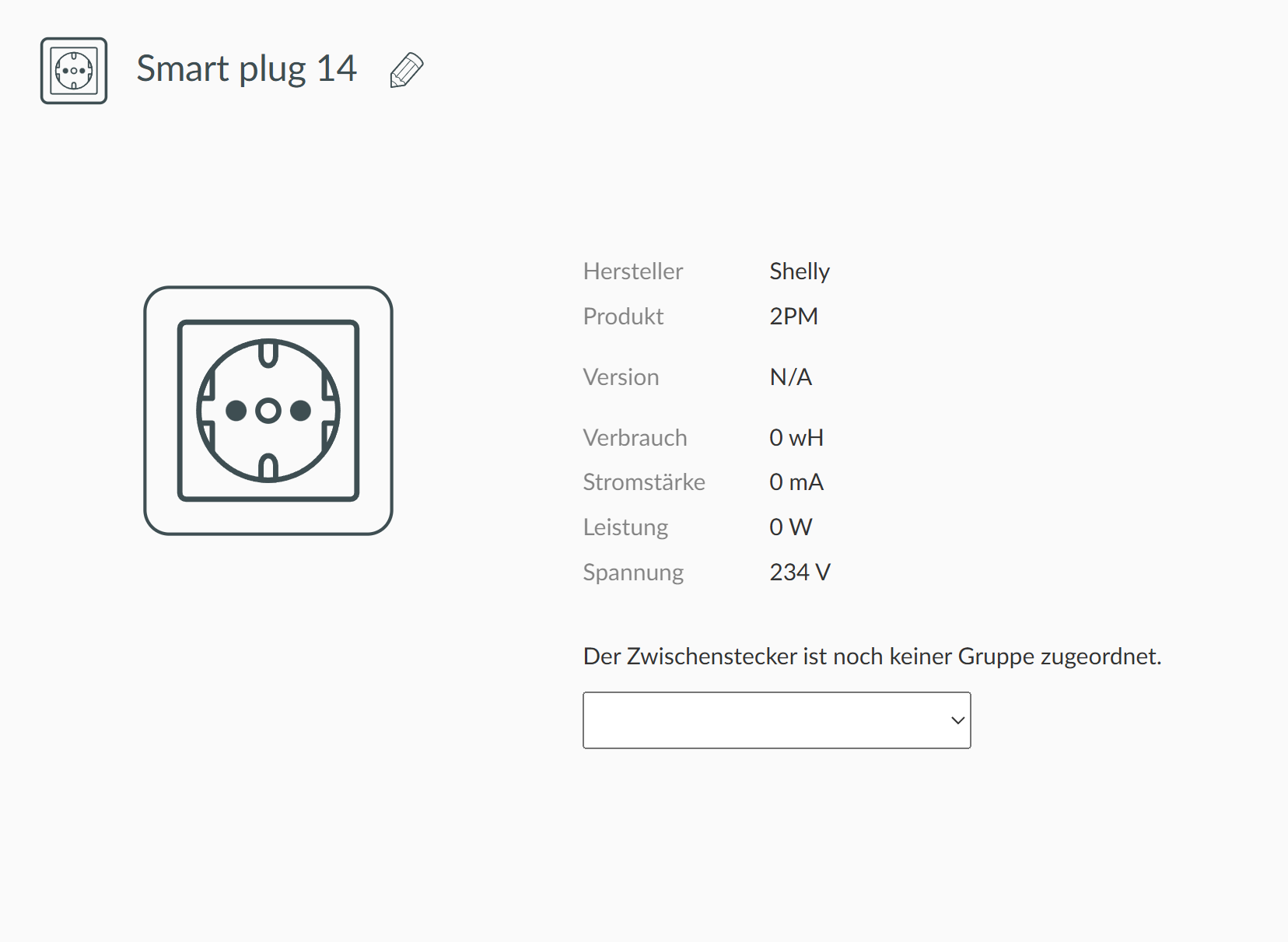
After teach-in I can see that:
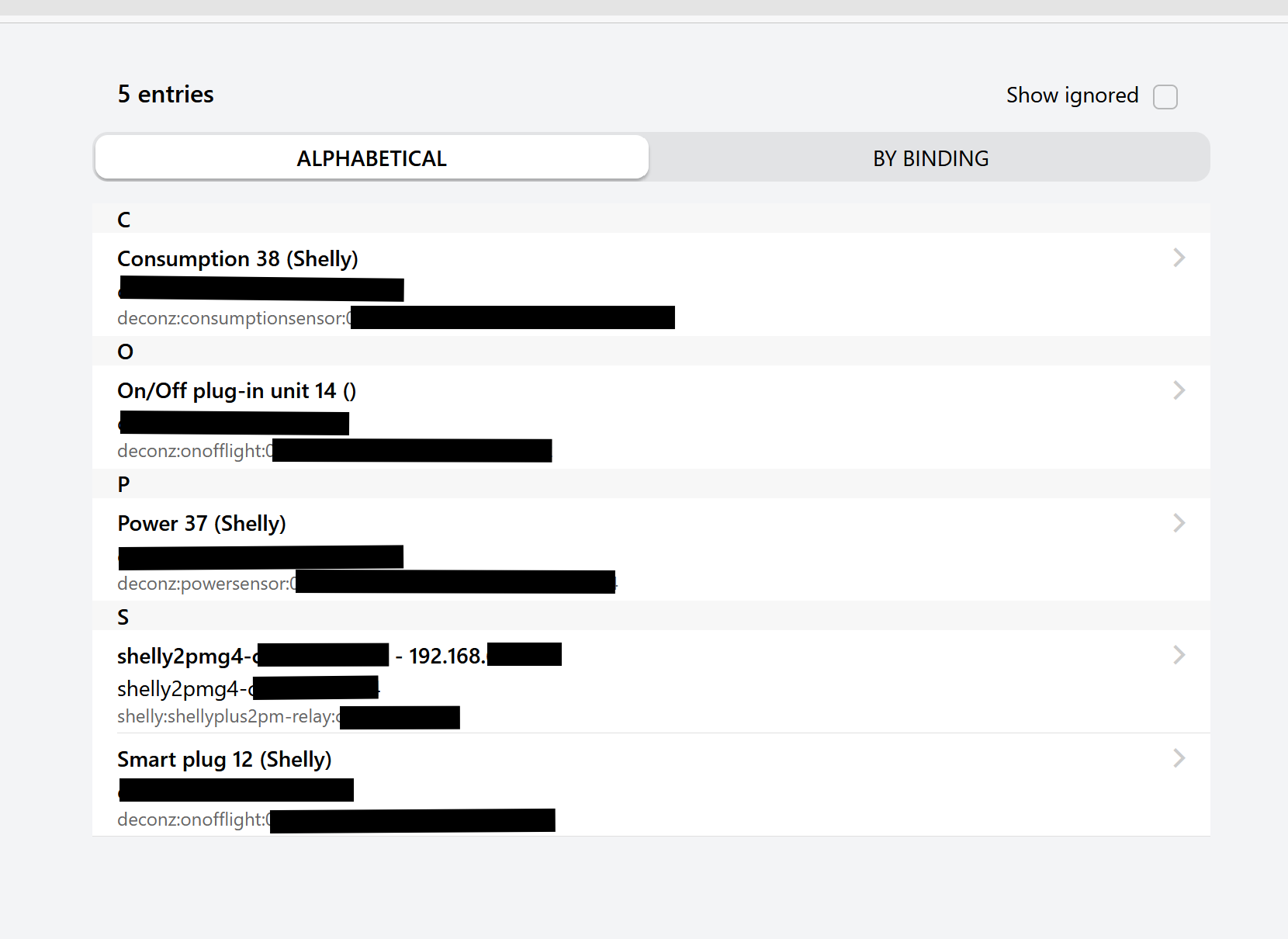
Within OH5 it looks like that:
“shelly2pmg4-…” is OH auto discovery for Shelly devices, as I keep the Shelly parallel in WiFi, until OTA is finally possible and WiFi maybe can be enabled/disabled from deCONZ/Phoscon on ZigBee level …
So the “Smart plug 12” seem ok, but why all values are still 0 ?
IDK what is the “on/off plug-in unit 14”, with no model ID and no Manufacture Name …
As written “Smart plug 12” is switch channel 1, “On/Off plug-in 14 ()” switch channel 2. Yeah, naming is confusing …
Values looks ok to me, its a 2-channel device, so you can see just one time 234V. The rest of the values are also ok, there’s nothing connected, its a test, just the “Shelly 2PM Gen4” is powered up / running. Version could be filled somehow …
I have also defined things & items in OH, switch would work from there at the moment for testing. If there are further improvements, I am able to test, teach-out/teach-in, hoping I can take them into usage soon.
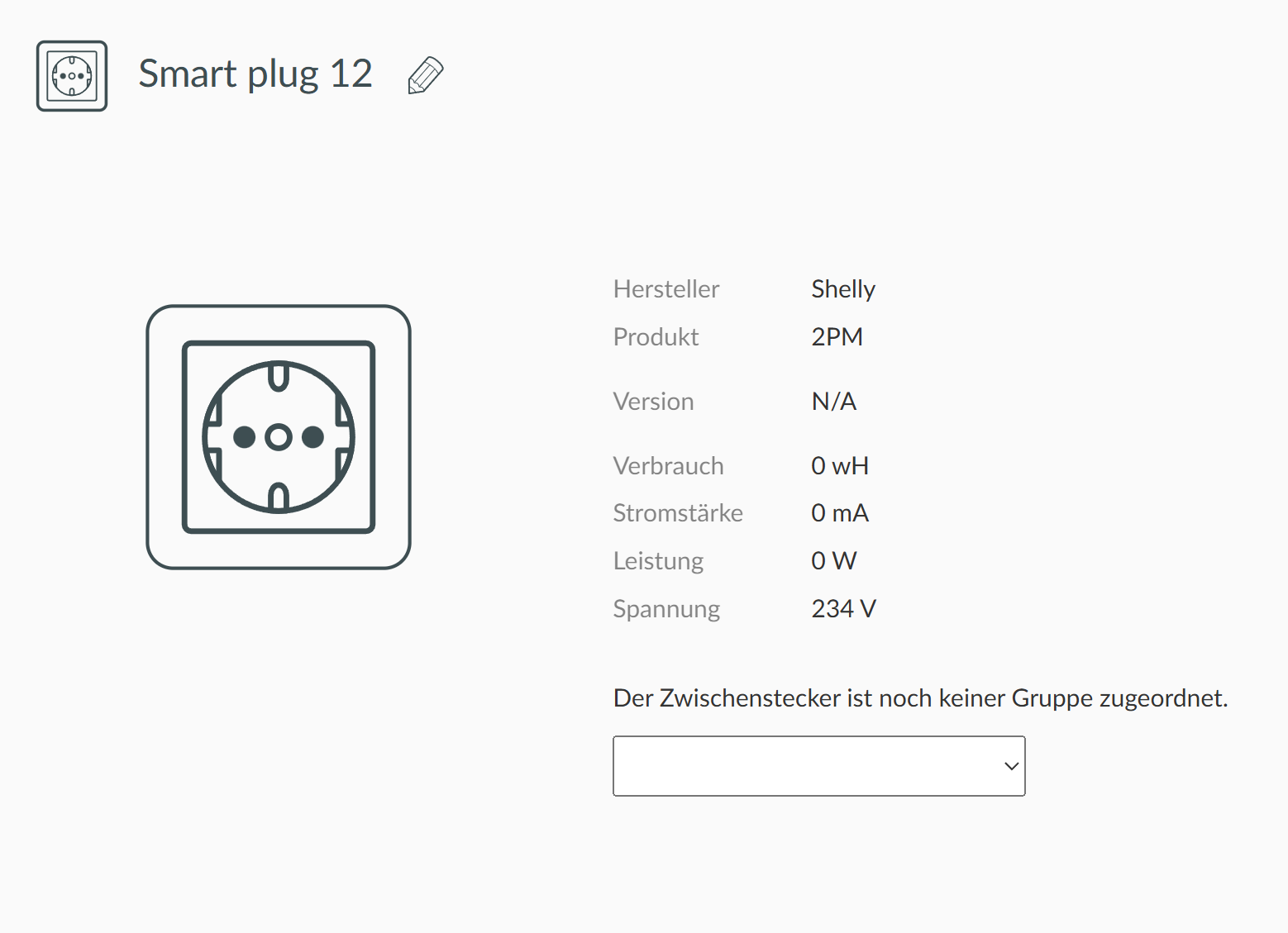
Ok, tested a try-fix within shelly_2pm_gen4_switch.json … teached-out & teached-in again, with that result:
Since it kept the IDs, it started to work again w/o changes on things/item, after ZigBee mesh got re-settled.
I can just append a diff to @mattreim original file as code field here:
--- shelly_2pm_gen4_switch.json (original)
+++ shelly_2pm_gen4_switch.json (fixed)
@@ -56,6 +56,51 @@
         {
           "name": "state/reachable"
         }
       ]
     },
+    {
+      "type": "$TYPE_SMART_PLUG",
+      "restapi": "/lights",
+      "uuid": [
+        "$address.ext",
+        "0x02"
+      ],
+      "items": [
+        { "name": "attr/id" },
+        { "name": "attr/lastannounced" },
+        { "name": "attr/lastseen" },
+        { "name": "attr/manufacturername" },
+        { "name": "attr/modelid" },
+        { "name": "attr/name" },
+        {
+          "name": "attr/swversion",
+          "static": "N/A",
+          "read": { "fn": "none" }
+        },
+        { "name": "attr/type" },
+        { "name": "attr/uniqueid" },
+        {
+          "name": "state/on",
+          "refresh.interval": 360
+        },
+        { "name": "state/reachable" }
+      ]
+    },
     {
       "type": "$TYPE_POWER_SENSOR",
@@ -245,6 +290,15 @@
     {
       "bind": "unicast",
       "src.ep": 1,
       "cl": "0x0006",
       "report": [
         {
           "at": "0x0000",
           "dt": "0x10",
           "min": 1,
           "max": 300,
           "change": "0x00000001"
         }
       ]
     },
+    {
+      "bind": "unicast",
+      "src.ep": 2,
+      "cl": "0x0006",
+      "report": [
+        {
+          "at": "0x0000",
+          "dt": "0x10",
+          "min": 1,
+          "max": 300,
+          "change": "0x00000001"
+        }
+      ]
+    },
     {
       "bind": "unicast",
       "src.ep": 1,
You are speaking about channel 2, but according the Github issue, there is only 1 endpoint, and the DDF is made for it.
Or there is a cluster that “pop up” if you change the mode ? The cluster 0x02. So yes the DDF need your changes.
Well, you can see the result expecting just one endpoint in my first try. In cover mode its maybe just one endpoint … however, its just a finding I shared.
Looking to the experiences with Shelly 1PM Gen4, I don’t expect the wattage / power channel working actually. Maybe does get solved with Shelly firmware stack 2.0, but can also cause fundamental structural changes …
I’ve adjusted the DDF on GitHub for two endpoints, but let’s see if anything changes.
Ok, cool, thanks, have checked it, looks a bit different to my yesterdays try fix from power & consumption channel view. With your new approach I expect to see 6 sub channels in openHAB. 2x switch channels, 2x power & 2x consumption channels? Any reason for that?
The 2-channel Shelly’s usually report to my knowledge just accumulated power & consumption for both switch channels.
Another questions:
There were still a few errors in the DDF. However, it is truly difficult to assess the device without any information. Could you please upload all the screenshots to GitHub, or perhaps even open a new device request?
I can also re-open the other github issue if you want, topic would stay in same bubble.
Tell me quickly what screenshots you need, based on which DDF?
Take a look at the device request and How to read Clusters.
Ok, will have a look into that. Any answers on my other questions?
Better to restart, Deconz load DDF only at start. If you use the GUI you have a “Hot reload” feature, but can have issue better to restart deconz after a big change.
No need to re-pair device, the new DDF will update the old entry.
If you add an endpoint, the new one will appear, if you remove one, not sure the old entry will be removed.
But there is no risk, can re-pair if you have too much problem, but It’s not needed after a DDf edition.