I was running deconz with iobroker and home assistant integration quite long without any issues (except I wasn’t able to connect to Alexa directly anymore).
Now due to some major changes I had to upgrade deconz to latest firmware 2.32.5 running on Raspberry 4 Bookworm
Now I have connectivity issues with Aqara Motion Sensor and also with WooX R7060 irrigation control. In Error_L2, APS_L2, INFO_L2 I didn’t find any hint why pairing or connectivity is broken. Can you please give me a hint where to search further?
Thank you very much!
Kind regards
I’m very sorry, of course it’s deconz version 2.32.5, my firmware is 26780700
I assume I was on 2.31.2 because I had to revert the last time too. But is there a way to tell it definitly?
on GUI der is no link for those devices but I can’t rejoin them neither.
As I’m still on buster, with my Raspberry 4 (sorry Bookworm was wrong) there was no update on OS or other devices.
Though I still have a lot of devices working, but not the WooX R7060 and Aqara MotionSensor, Window Contact.
Thank you!
IDK for, the R7060 the code is 2 years old, and there is no recent changes on Aqara sensor.
It work better if you rolback to 2.31.2 ?
on GUI der is no link for those devices but I can’t rejoin them neither.
So it mean if you try to re-include them, they can’t be re-included ?
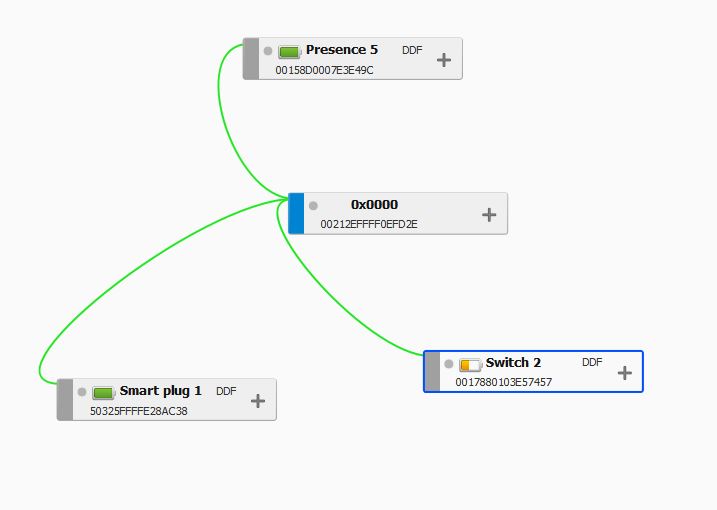
They are not included in the API (on phoscon and other tird app) but in deconz itself ? Do you have a capture of nodes in the GUI ?
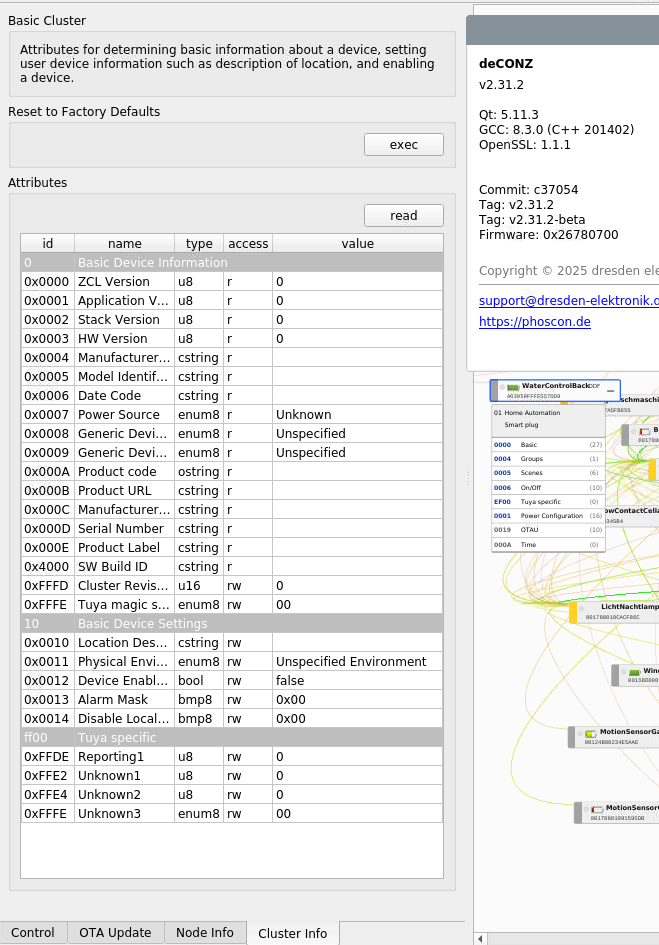
I guest if you try to look on clusters, you miss somes information ?
All recent changes impact more the API communication …
I can see the devices in API, Phoscon and Deconz but I can’t control them or as stated re-include, I’ve deleted on R7060 and i can’t re-include it.
I’ve also tried to add the Aqara MotionSensor or Window Contact, with same result.
The Device is reconised (It use the DDF) and it look connected.
But if you can’t re-include device, this can be a way to explore.
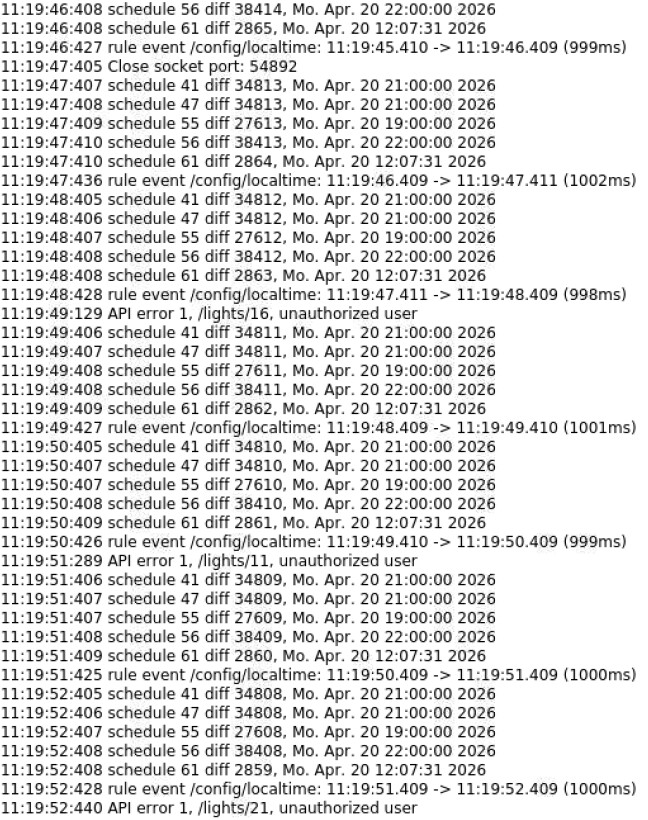
Can you take a look on logs, in Deconz/help/debug view, with flag “info”+“info_L2” + “error” + “error_L2”, you will probably see network error.
BTW you haven’t an old zigbee network backup ? (made with Phoscon).
But it strange you have the issue only on somes devices … (Or peraps only on end device ? Nodes with grey band)
I already tried to find something in those logs, but wasn’t successfull
I have a Backup from 2024-09-12, is it your intention to restore it?
I have several window contacts, temp sensors, motion sensors (SONOFF, Aqara) without any issue. Only all (3) Woox R7060 and this aqara motion sensor and window contact aren’t working.
I don’t think thoses logs are worrying.
The “schedule” ones aren’t error (I don’t use schedule on my side)
And the API error is probabbly from a third app without access.
Nothing that can block only somes devices, you have check batteries too ?
I don’t think restore the backup will change something, as other devices are working fine.
If you can’t include a deleted device, make a try with logs enabled to force an error message.
Yes, API Auth Error is comming from Alexa, I can’t get rid of the previous deconz link in Alexa, also there I was struggling with connection and had to change to HomeAssistant
Batteries are good, I’ve changed them
As I still don’t see any messages in Logs INF, INF2, ERR, ERR2 are there any other logs or sources I can check? Should I investigate the database?
Update1:
I found these in my logs, where SML003 should be the WooX R7060
Update2:
I was able to connect the failure devices to Connbee 3 without any issue. So it seems something is messing up my network or the software. How can I figure it out and drill down to the core issue?
I’ve done some further tests, both installations are running now on 2.33.0 beta
So I have Conbee 3 running on Windows with 2 devices, joining is no issue and works in seconds
My Raspbee2 is productive, has mixed device setup and joining new devices is not working right now. I can’t figure out if one joined device is causing issues or the raspbee itself, I tried to join the network quite near the gateway, without success.
No ^^, it’s not possible, only one coordinator by network.
So it mean you have ATM 2 network ? one with the Conbee 3 and 1 with the Raspbee ? You know you can clone the network ? will be better for tests (but never use the both gateway in same time)
I’ve restored backup from raspbee 2 Phoscon App to conbee 3 phoscon app, network was created successfully, after 3rd try, joining a new WooX 7060 was possible.
I’ll try further.
Maybe I’ll take of raspbee 2 and use conbee 3. Is there a difference how they work?
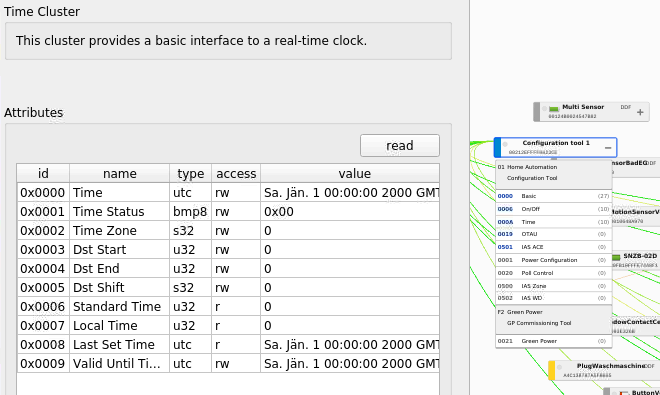
Is it possible I have to replay onboard battery? The clock is way back and I can’t restore a backup
After having powered off the raspbee2 for swapping for a few minutes, it seems the raspbee itself had a memory/connection cycle and everything is working again.
Thank you for your help!