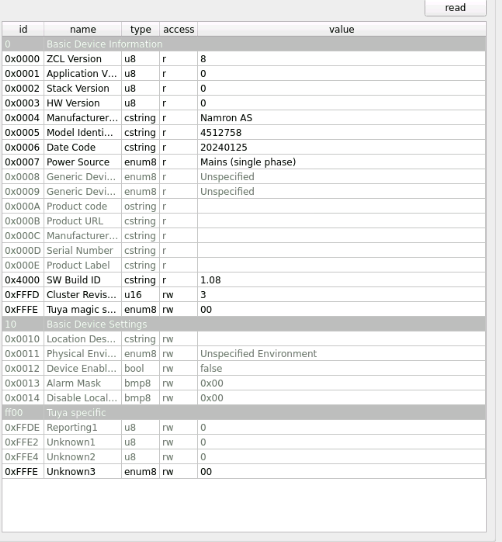
I Installed a new NAMRON thermostat and am trying to integrate it into Home Assistant running on a Raspberry Pi5 with Rasbee II.
Using Phoscon I tried to pair the device. The thermostat is now on the Zigbee network but did not show up as a device in Phoscon.
When I select deCONZ from Home Assistant I see a new unit with the name 0xB370. I am able to execute commands from deCONZ to the thermostat, like remotely turning the thermostat on and off.
But the thermostat does not show up in Phoscon, and I am not able to see it in Home Assistant.
I am new to this, but trying to learn. I assume I add my model to that file and somehow upload it to the home assistant operating system. I am not running home assistant in a docker, but the home assistant operation system directly on the PI.
And what should I do if I manage to get the file on the system?
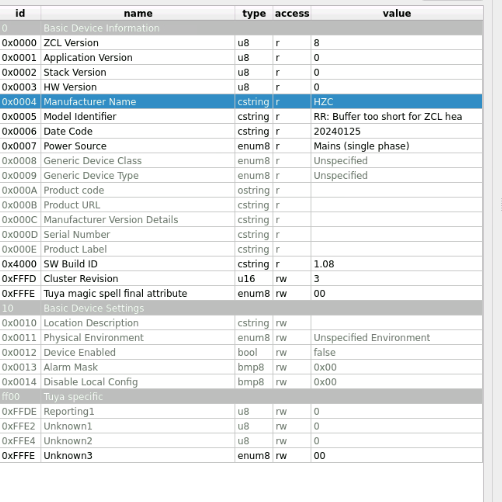
I tried to remove the thermostat from the network and add it again. Then something seems to have gone wrong. The manufactorers name has changed and model number.
I did not change these fields manually.
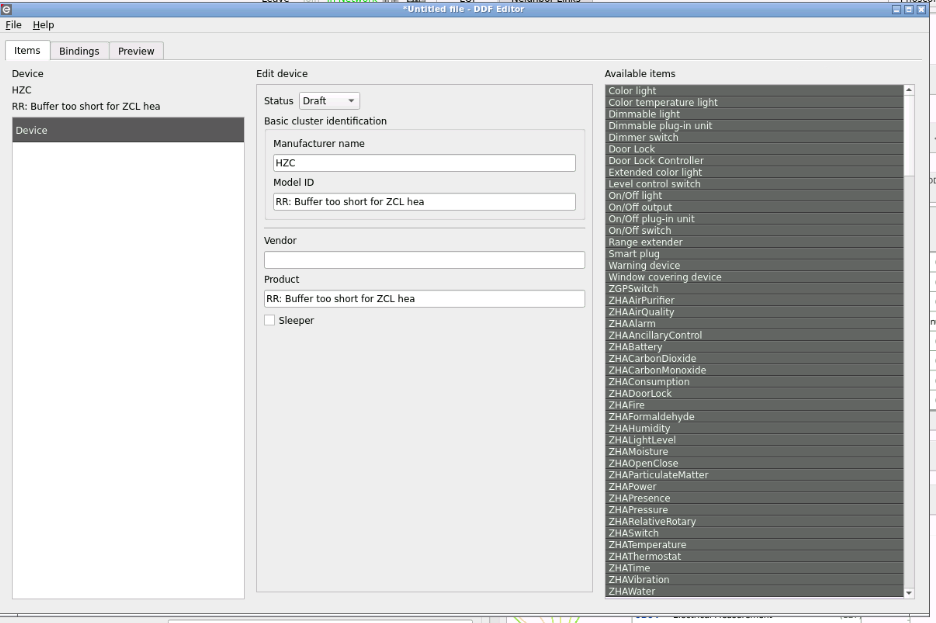
After it changed I went to DDF-editor to change it back. I enter the old name and number and press save with status GOLD. A file called thermostat.json is saved on the raspberry. No error message. I do a hot restart, no error message but it says it restarts a device HZC / RR: Buffer to short… In the log files it seems that all DDF-files on the system are parsed since it lists hundreds of products I don’t have.
When I close DDF-editor no changes have applied to my thermostat.
If I try to open the file I just created I get error message failed to open /data/local/shared…/thermostat.json
I also managed to put your definition file in the same directory, and I get error message “Failed to open” if I try to open it in DDF editor.
Ok so the manufacture name and the model ID can’t change.
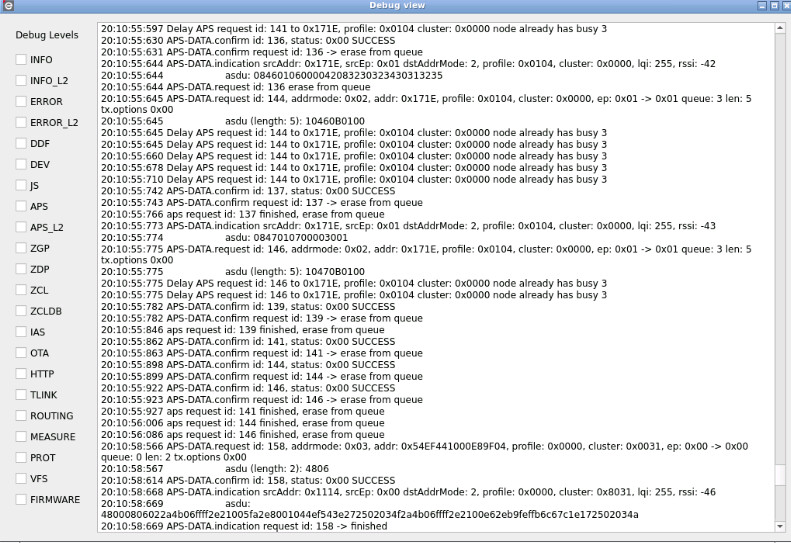
Your issue like more than a c++ buffer overflow issue (it’s a complete string in model identifier), I will share your picture on devs channel.
What is your deconz version ?
You can delete all you have done previously, for HA there is 2 methods
And I think I already have tried both your suggested ways to get back to normal.
I will try again, first with bundle since I just a few minutes ago deleted the thermostat, added DDF, rebooted and added the thermostat again. Only change was now there is a different hex number as identifier.
There is definitively a problem, with your device or with deconz.
Deconz use the model ID and the manufacture name to reconise device, and this is broken ATM on your machine.
I you try to ask just for thoses value, same issue ?
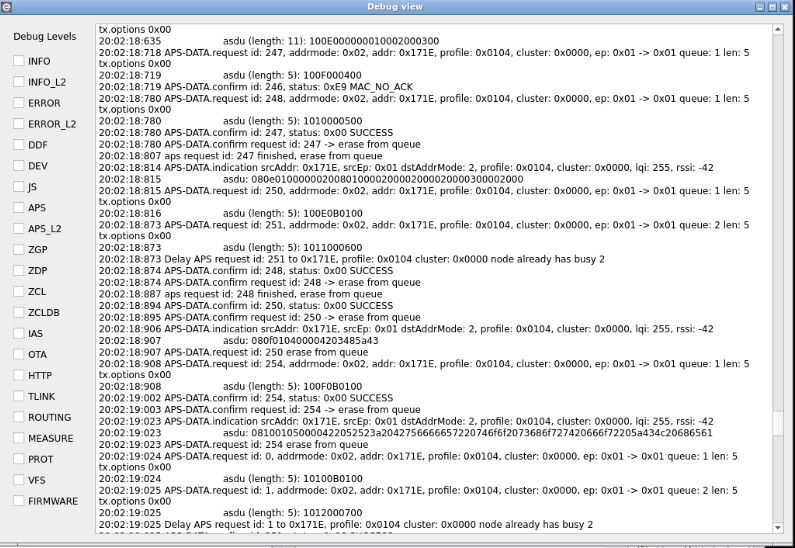
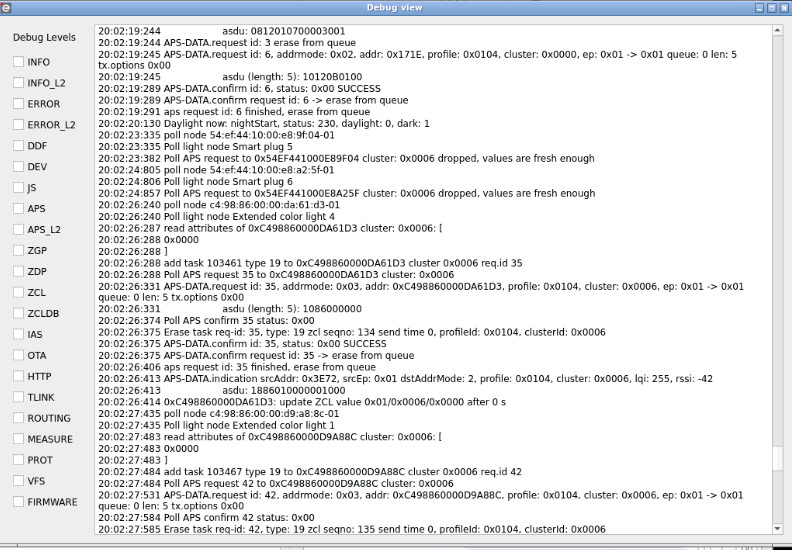
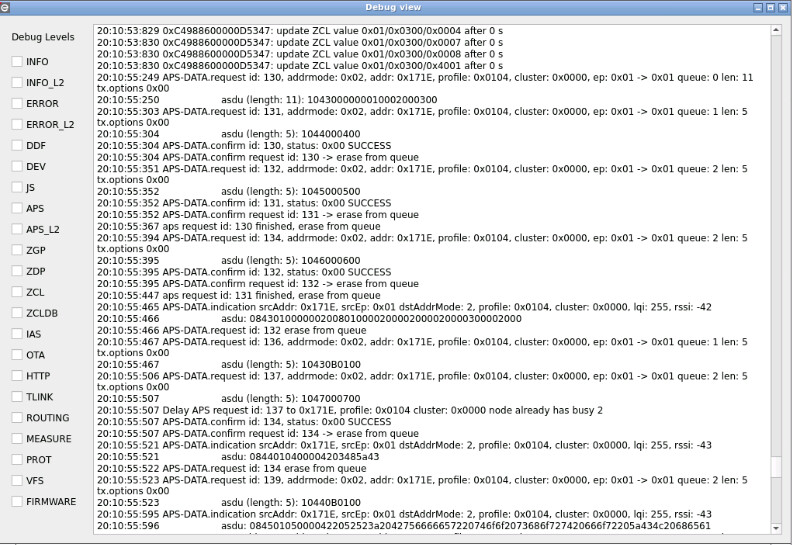
If yes can you share logs when asking for thoses 2 attributes with flags “info”+“info_l2”+“APS” + “APS_l2”
Are manufacturer and model number write protected by hardware? Or is it possible that something har triggered a re-write of these data on the bus and they are now permanently written to the device?
In the first pastebin I clicked the read on the whole card. I made another log where I clicked read a few times on Manufacturer line, and also a few times on Model line.