dr0id
July 22, 2026, 12:20am
1
Hello,
I am using a Conbee II on a Raspberry Pi 4 running Openhabian. Every time I try to bind my Ikea Styrbar E2002 switch it just fails after timeout.
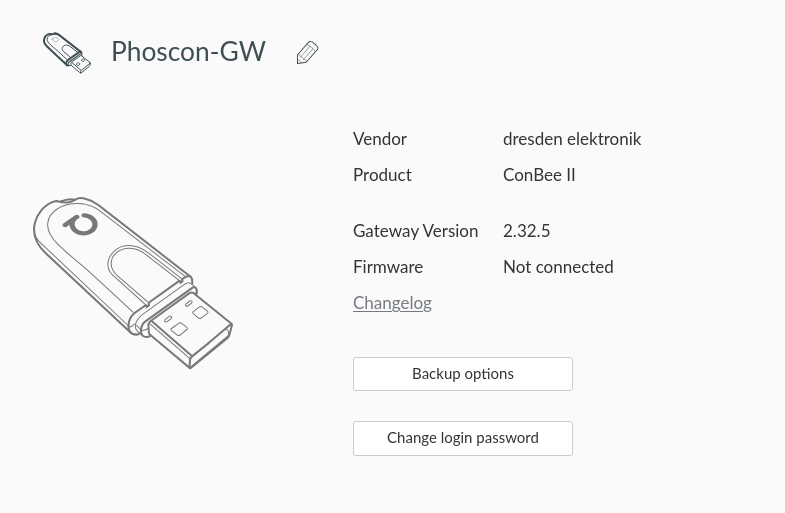
I’ve got a feeling that it’s related to this line in Settings > Gateway: it just says Not Connected next to Firmware:
Any help is much appreciated.
Mimiix
July 22, 2026, 7:31am
2
Hi, can you share some logs?
Stick is not connected thus you can’t add devices.
dr0id
July 22, 2026, 12:47pm
3
Yes, please review my $ /usr/bin/deCONZ -platform minimal --http-port=8081 --dbg-aps=2 --dbg-info=2 --dbg-error=2 | tee debug.txt log here
Smanar
July 22, 2026, 3:03pm
4
Openhabian is a real Debian OS, not a docker ?
Make a try on another machine, a windows one if you can, if deconz is working (if you have a firmware version number instead “not connected”), the problem is from the OS. Else try update the conbee.
14:41:08:673 UPNP socket not bound, state: 0
IDK if this is normal, you are sure not having 2 deconz instance running ?
dr0id
July 22, 2026, 11:12pm
5
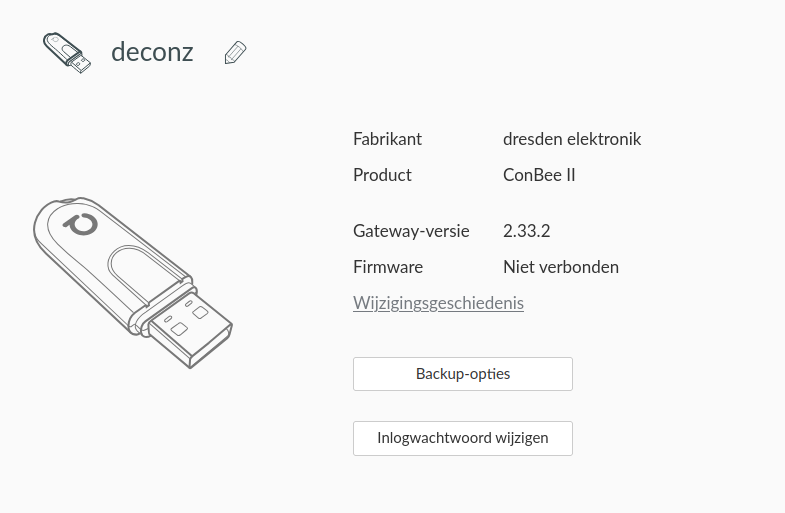
Trying on Ubuntu but getting the same output:
I updated the ConBee II firmware with the steps here but that did not make any difference.
I will try to do it on a Windows machine too and see if it helps.
dr0id
July 22, 2026, 11:29pm
6
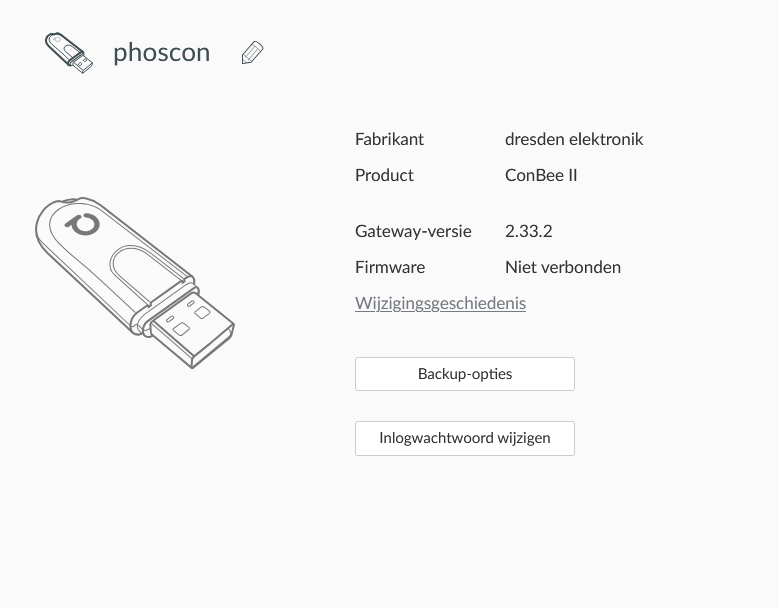
Getting the same output on my Windows box:
dr0id
July 23, 2026, 12:06am
7
I updated the Conbee II with GCCFlasher but both these versions don’t change the output:
$ sudo GCFFlasher_internal -t 60 -d /dev/ttyACM0 -f deCONZ_ConBeeII_0x26420700.bin.GCF
$ sudo GCFFlasher_internal -t 60 -d /dev/ttyACM0 -f deCONZ_ConBeeII_0x26780700.bin.GCF
Mimiix
July 23, 2026, 3:44am
8
Thanks for the logs.
You have interference issues
14:42:14:287 NET ZDO start network status 0xE8
Are you using a extnsioncable?
dr0id
July 23, 2026, 12:15pm
9
I wasn’t using an extension cable when posting the logs. But now I just plugged one in, but sadly still getting Firmware: Not connected.
dr0id
August 8, 2026, 1:22pm
11
Hello @Mimiix ,
Yes, running via usb 2.0 port.
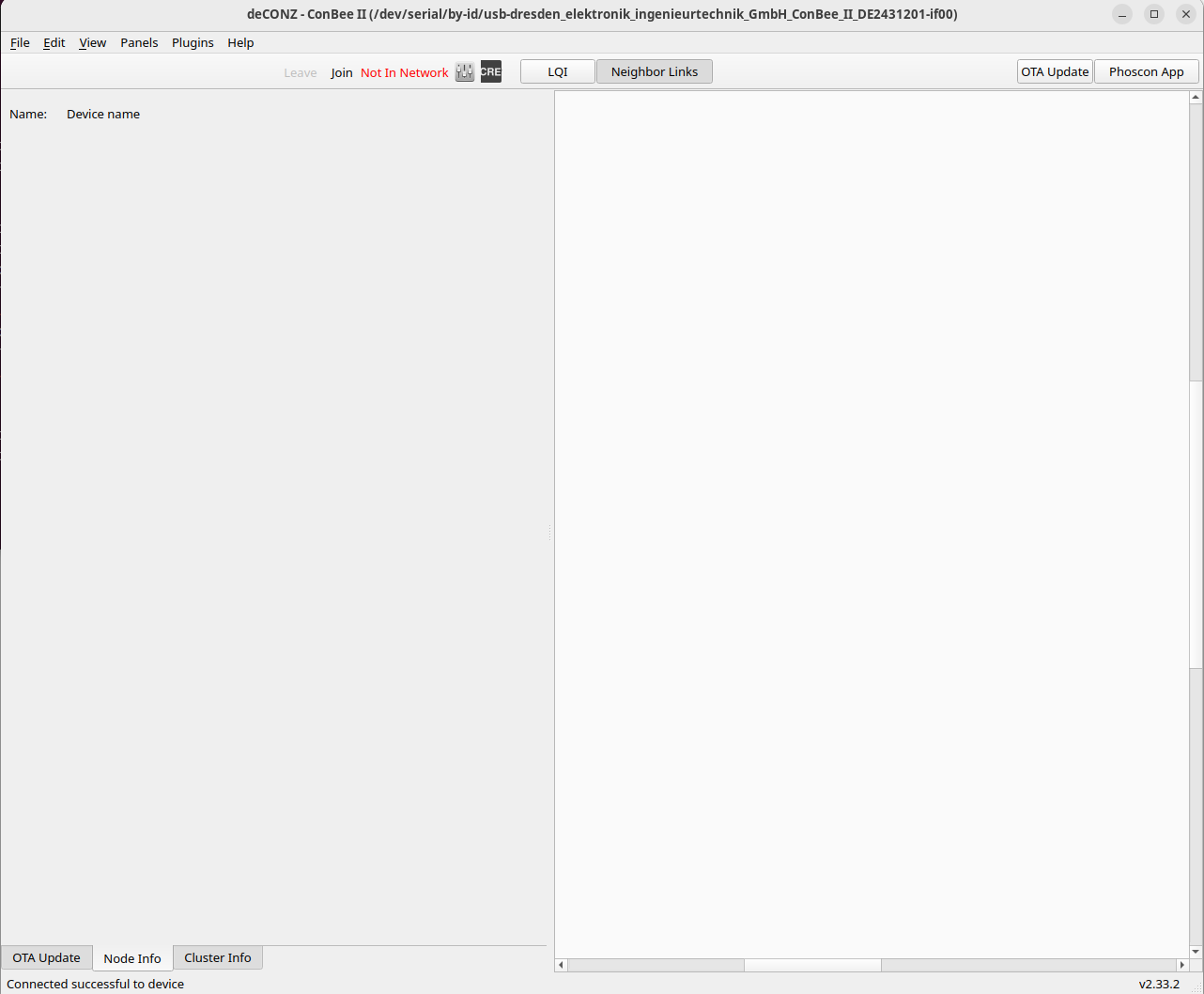
I can start the GUI version, this is the GUI output:
Interestingly, it says ‘Connected succesful to device’ here.
New $ /usr/bin/deCONZ -platform minimal --http-port=8081 --dbg-aps=2 --dbg-info=2 --dbg-error=2 | tee debug.txthere (running with extension cable)
Smanar
August 9, 2026, 6:45am
12
Remember you can’t start the headless and the Desktop mode in same time.
If an application already use the USB port, the second one can’t use the same.
Can you take a look in the GUI, help/debug view/with flag “error” X 2 and “info” X 2 ,
Mimiix
August 9, 2026, 8:03am
13
Seems to work now yes. But as smanar said, you can’t have both running.