Hi,
I try to setup a Conbee III in a Podman container on a Proxmox VM. The stick is recognized by the Datacenter
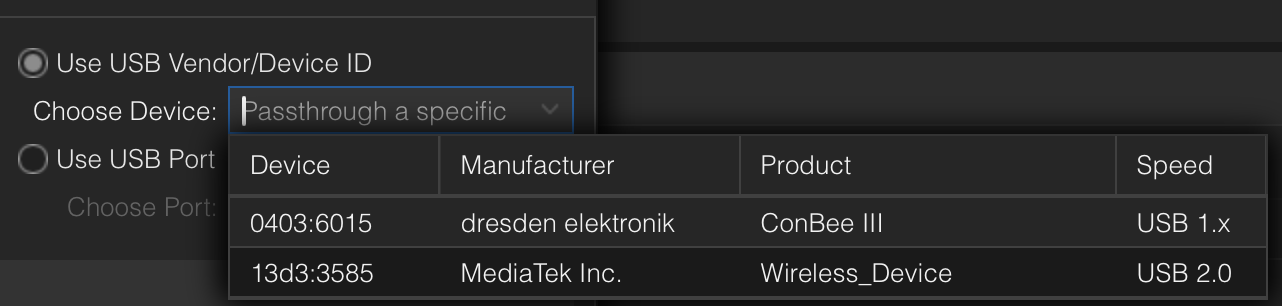
and successfully connected to the VM
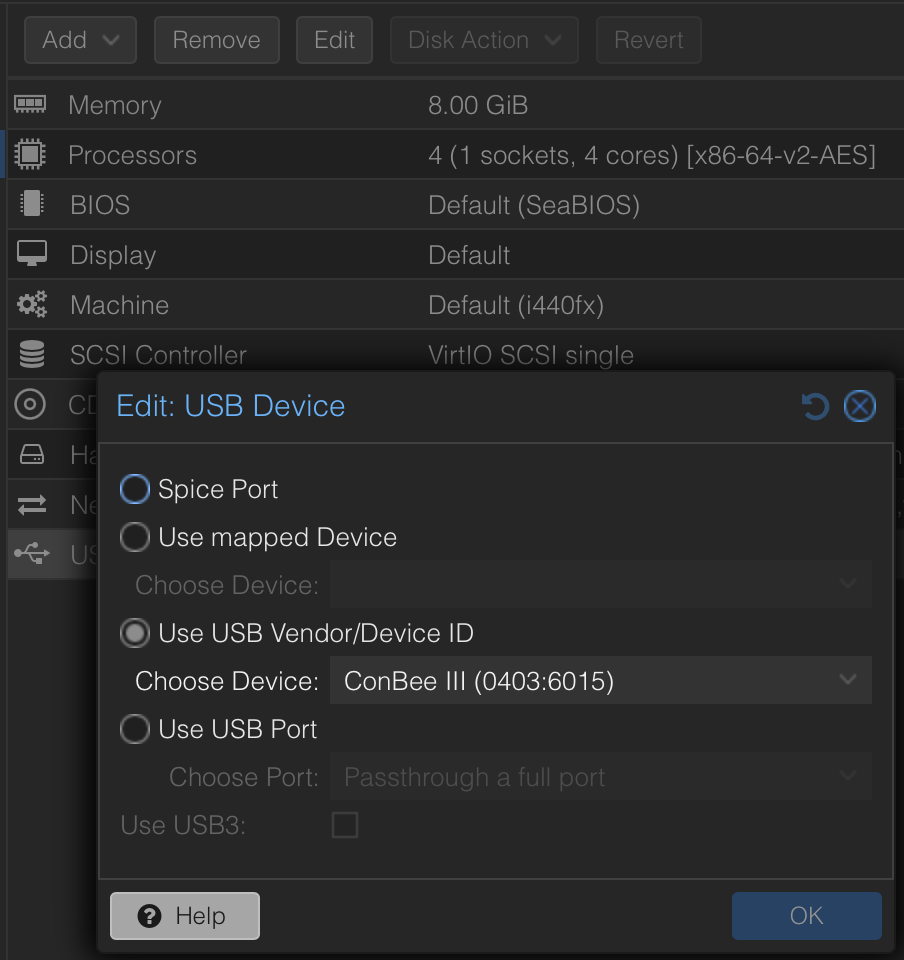
and I can see it under lsusb on the VM

The ID is 0403:6015. I would have expected that there something written like “conbee III” when I call lsusb. After checking /dev it the USB device occurs as ttyUSB0. Therefore start the podman container as follows:
  podman run -itd \
    --name zigbeehost \
    --restart always \
    --net=host \
    --device=/dev/ttyUSB0 \
    -v /home/podmanhost/01_container/01_zigbee/data:/opt/deCONZ \
    -e DECONZ_DEVICE=/dev/ttyUSB0 \
    -e TZ=Europe/Berlin \
    deconzcommunity/deconz:latest
The container is started, but I cannot access neither the web page nor the conbee III stick is recognized properly:
15:19:03:480 gui/mainwindow: connect failed for idx 0
15:19:04:479 COM: /dev/ttyUSB0 / serialno: , ConBee
15:19:06:479 COM: /dev/ttyUSB0 / serialno: , ConBee
Does anyone has any clue what I’m doing wrong? Is this an issue with Proxmox or with Podman?
Thanks in advance for helping